
 Image 1 of 10
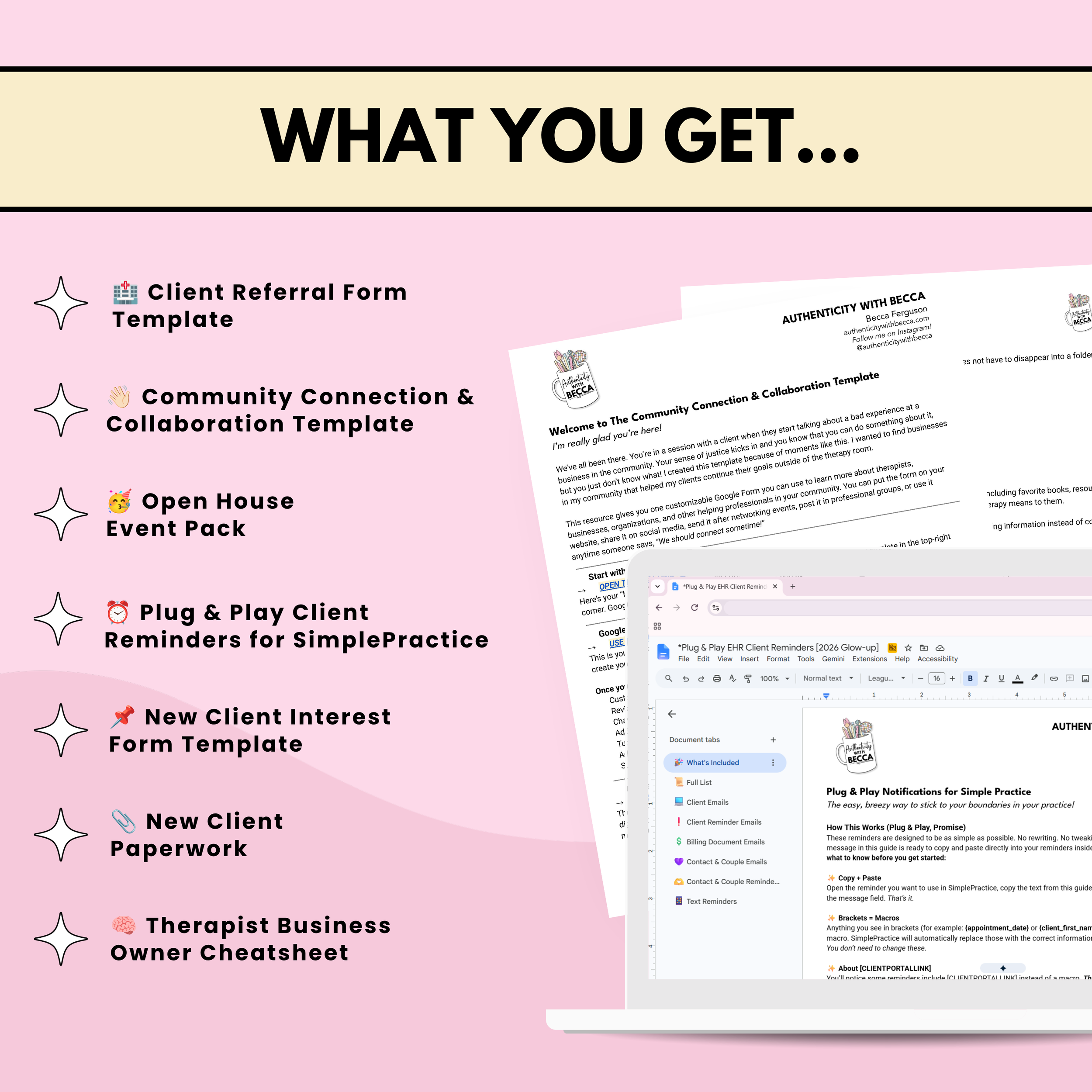 Image 2 of 10
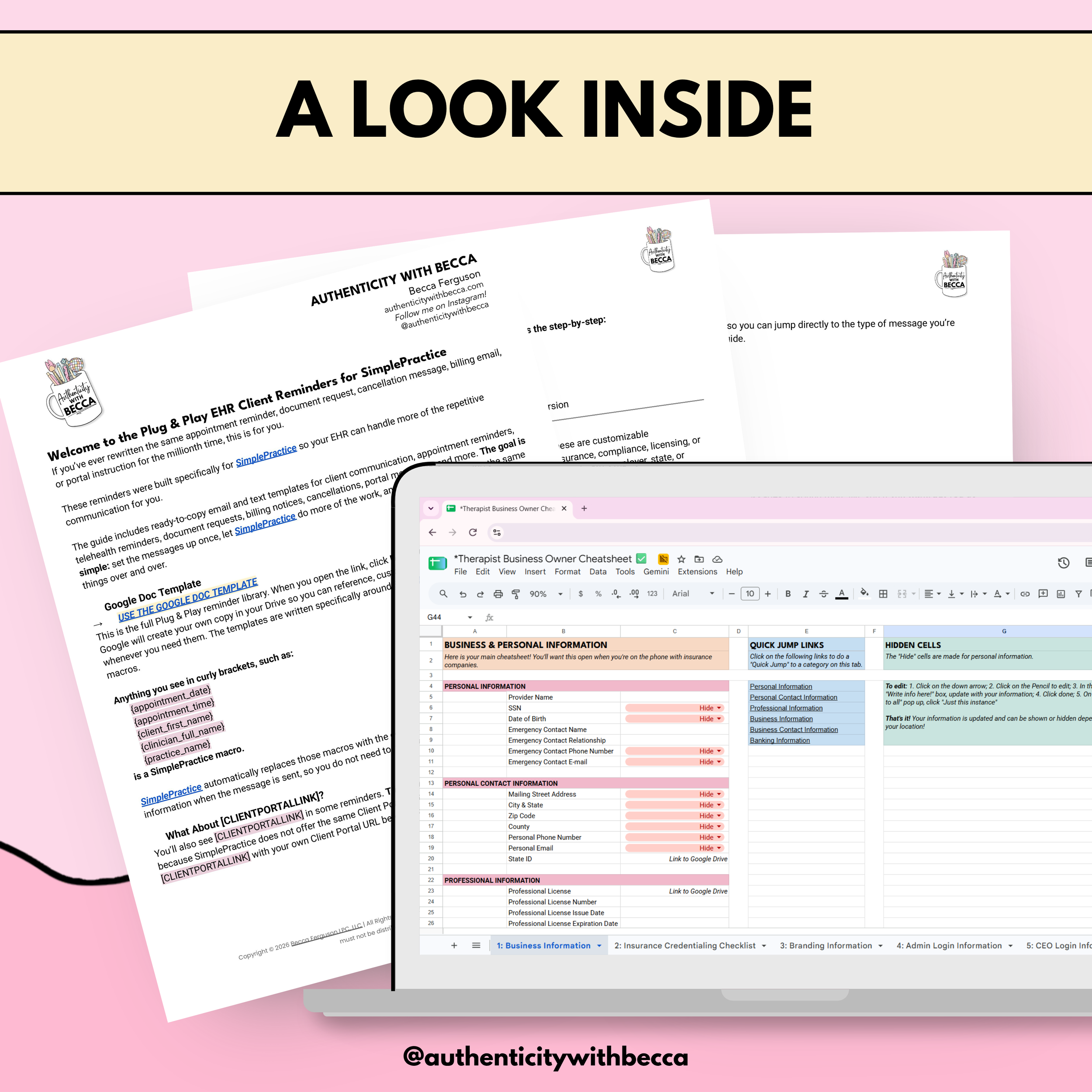 Image 3 of 10
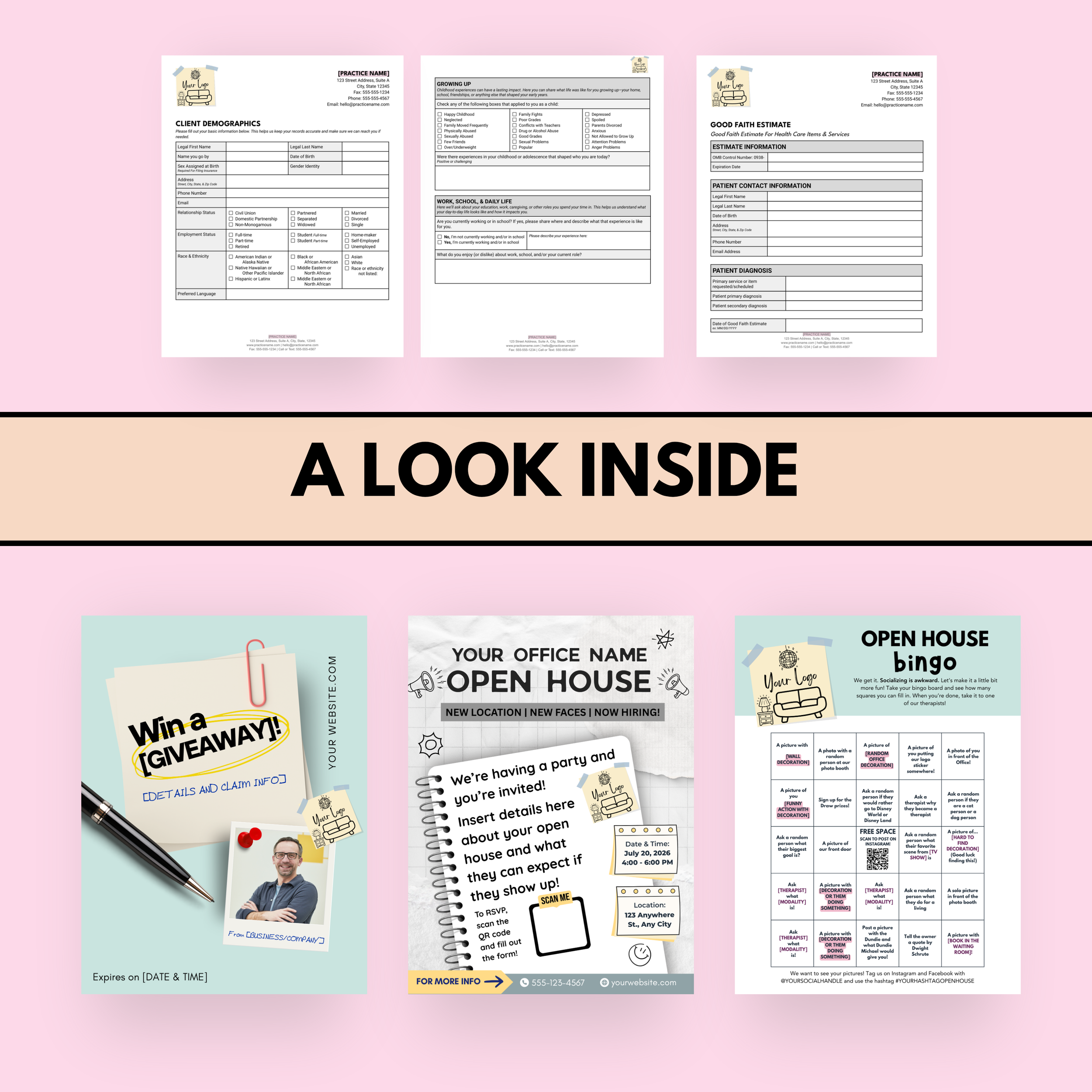 Image 4 of 10
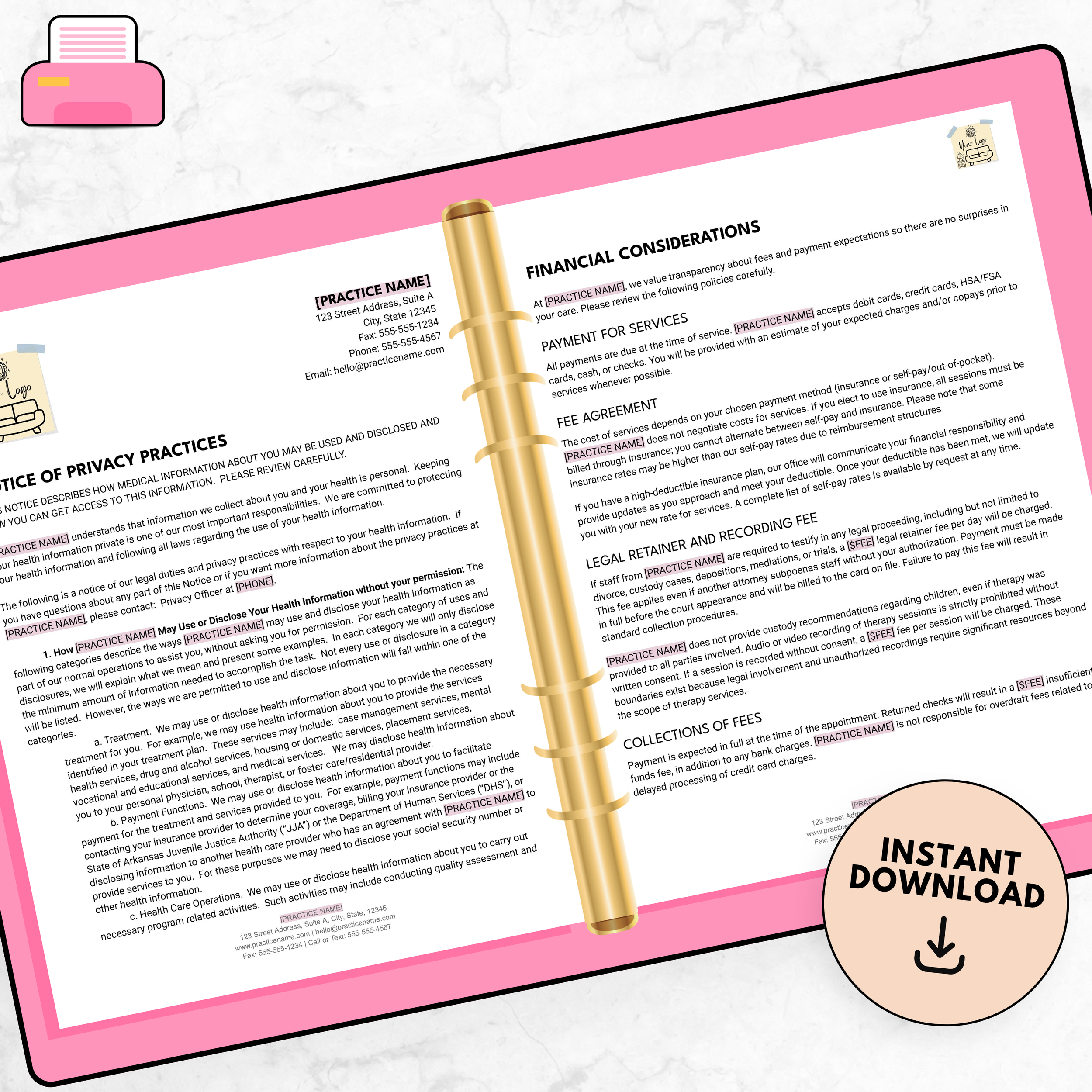 Image 5 of 10
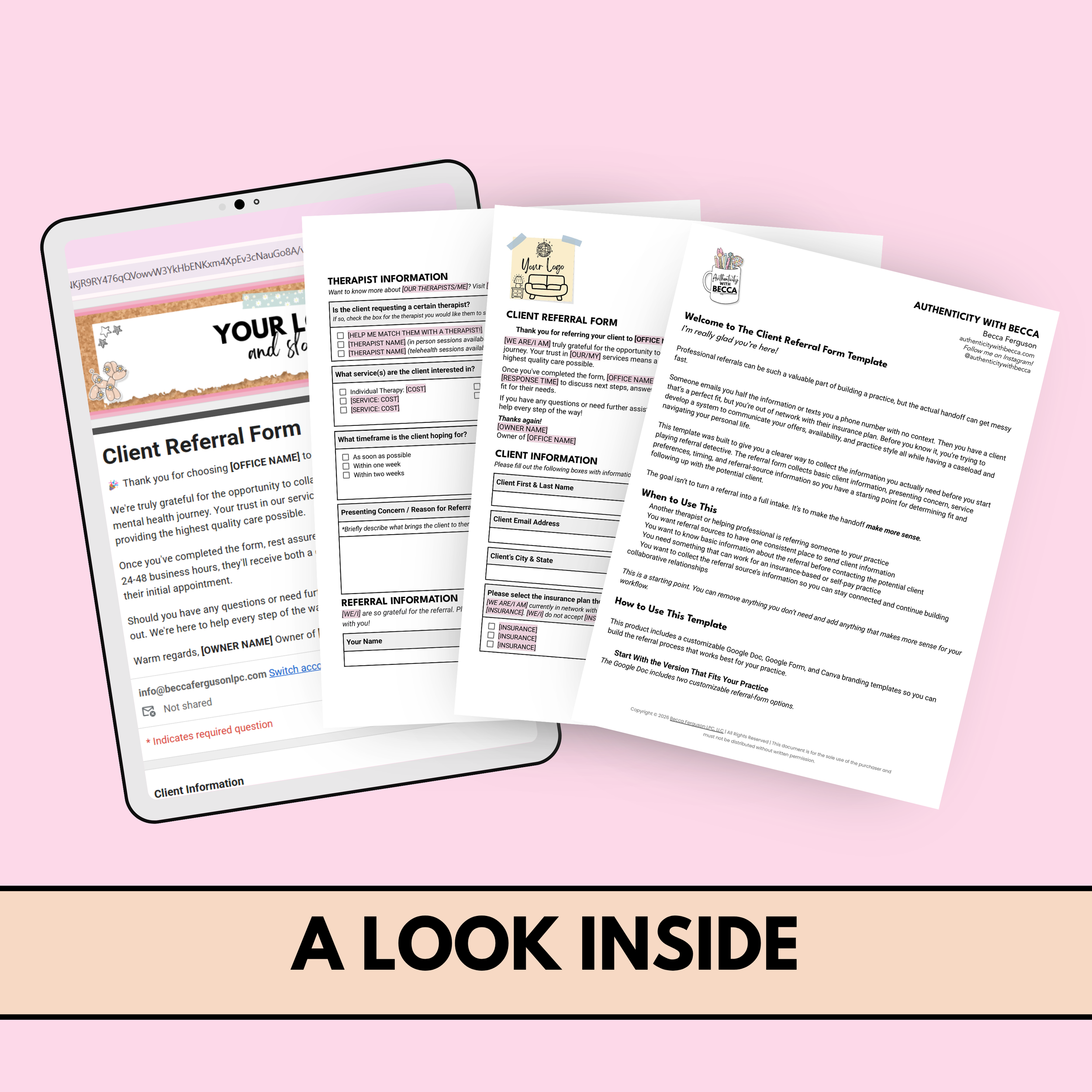 Image 6 of 10
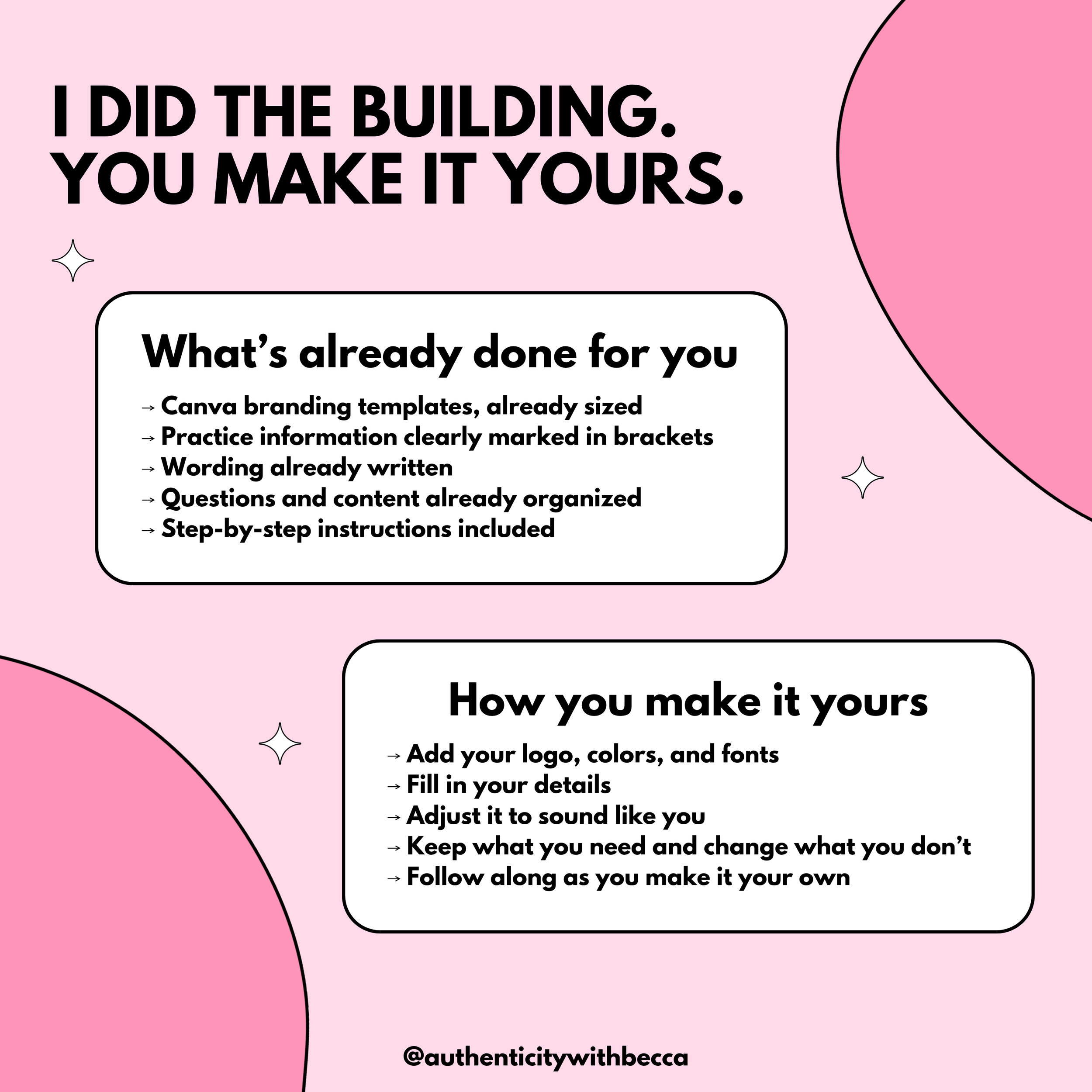 Image 7 of 10
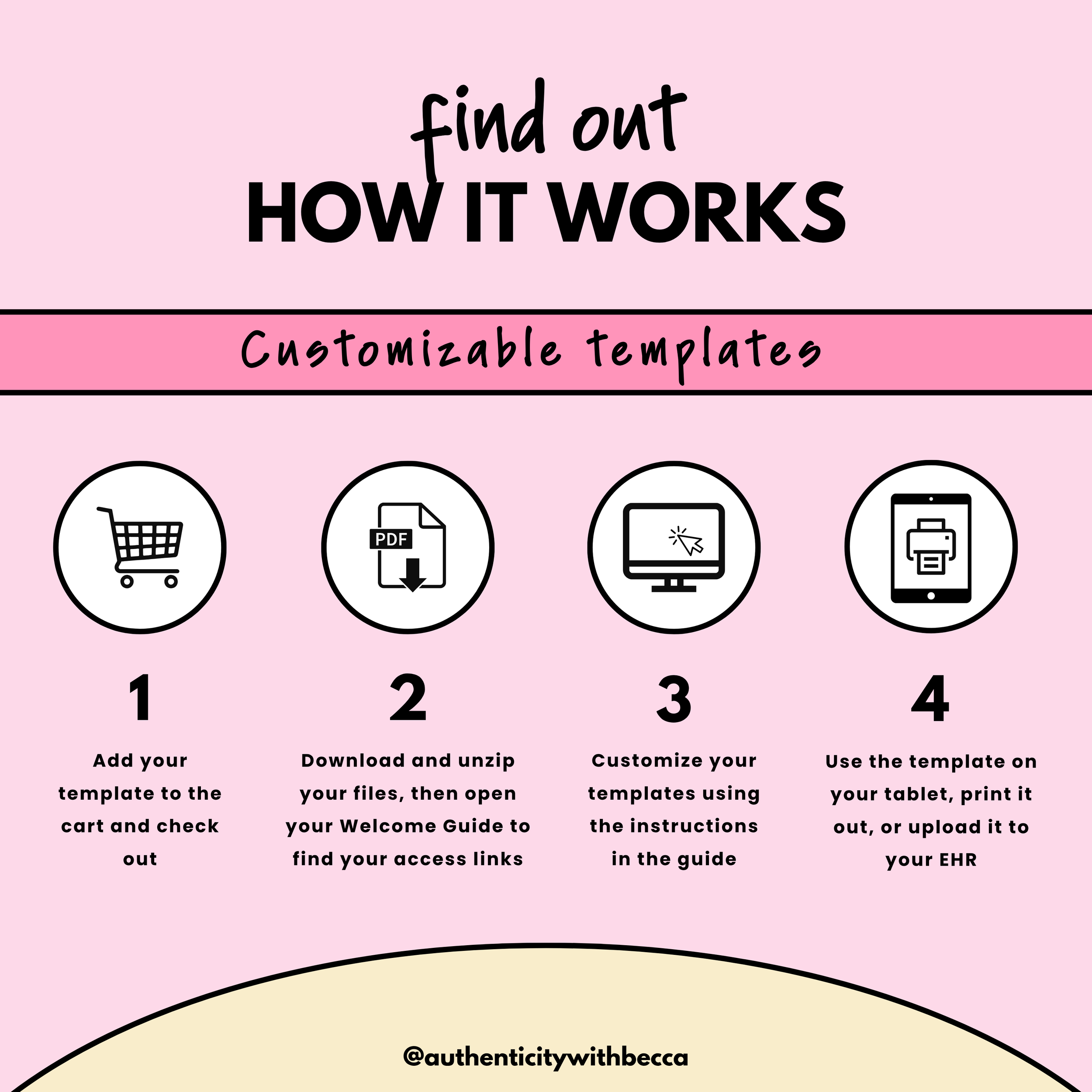 Image 8 of 10
 Image 9 of 10
 Image 10 of 10

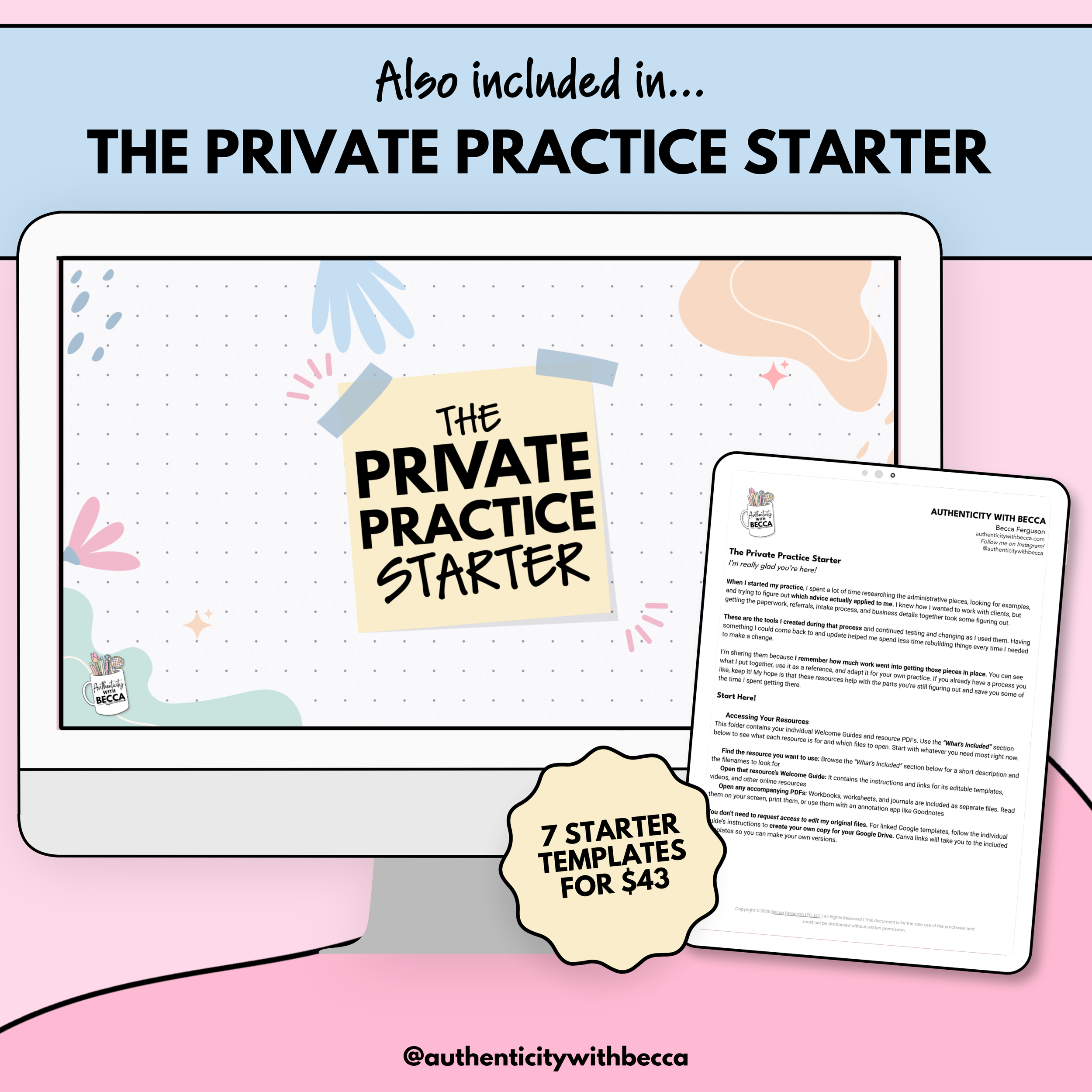
🏥 Client Referral Form Template
Collect professional referrals using written and digital forms with insurance and self-pay wording. Adapt the questions, services, and follow-up language to your practice.
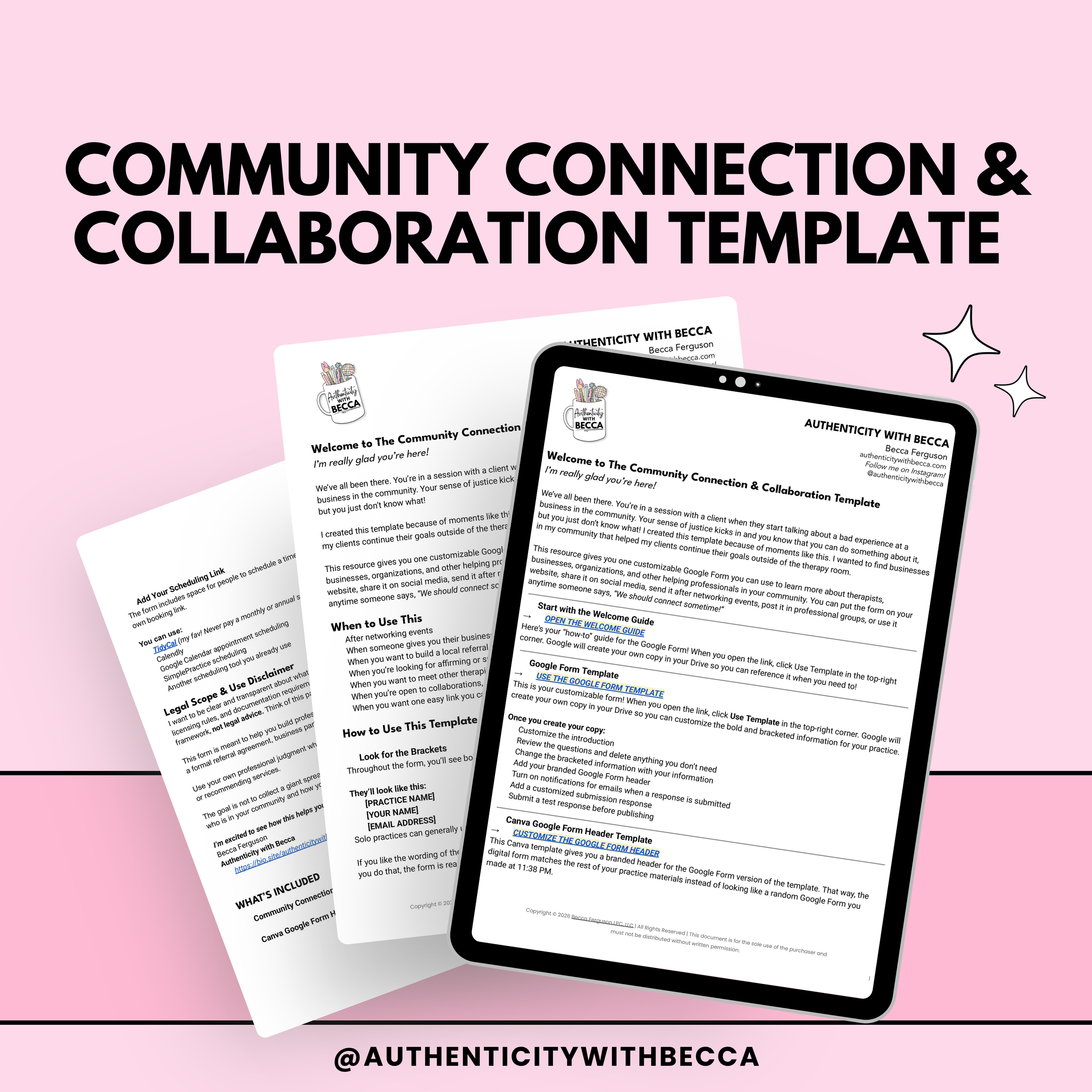
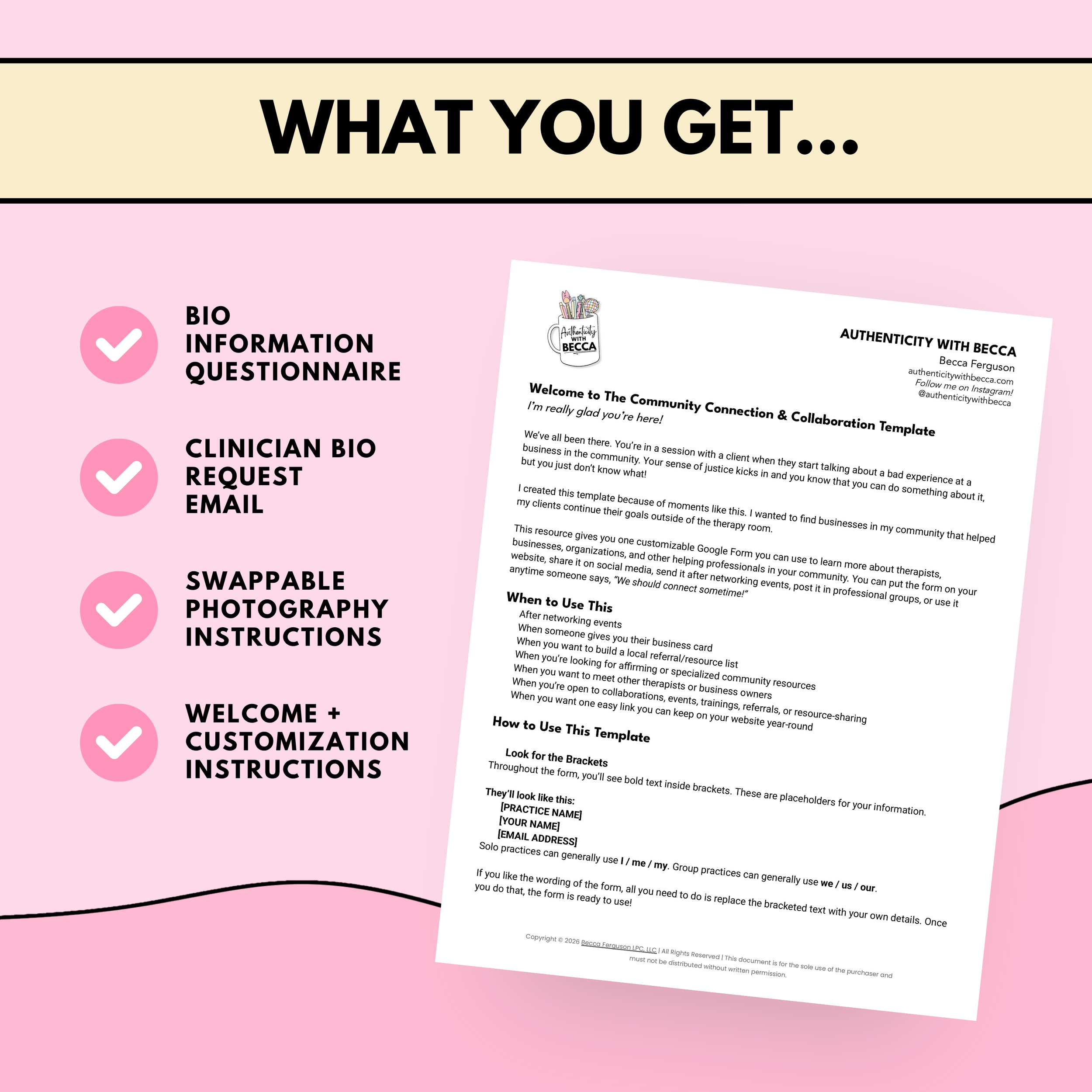
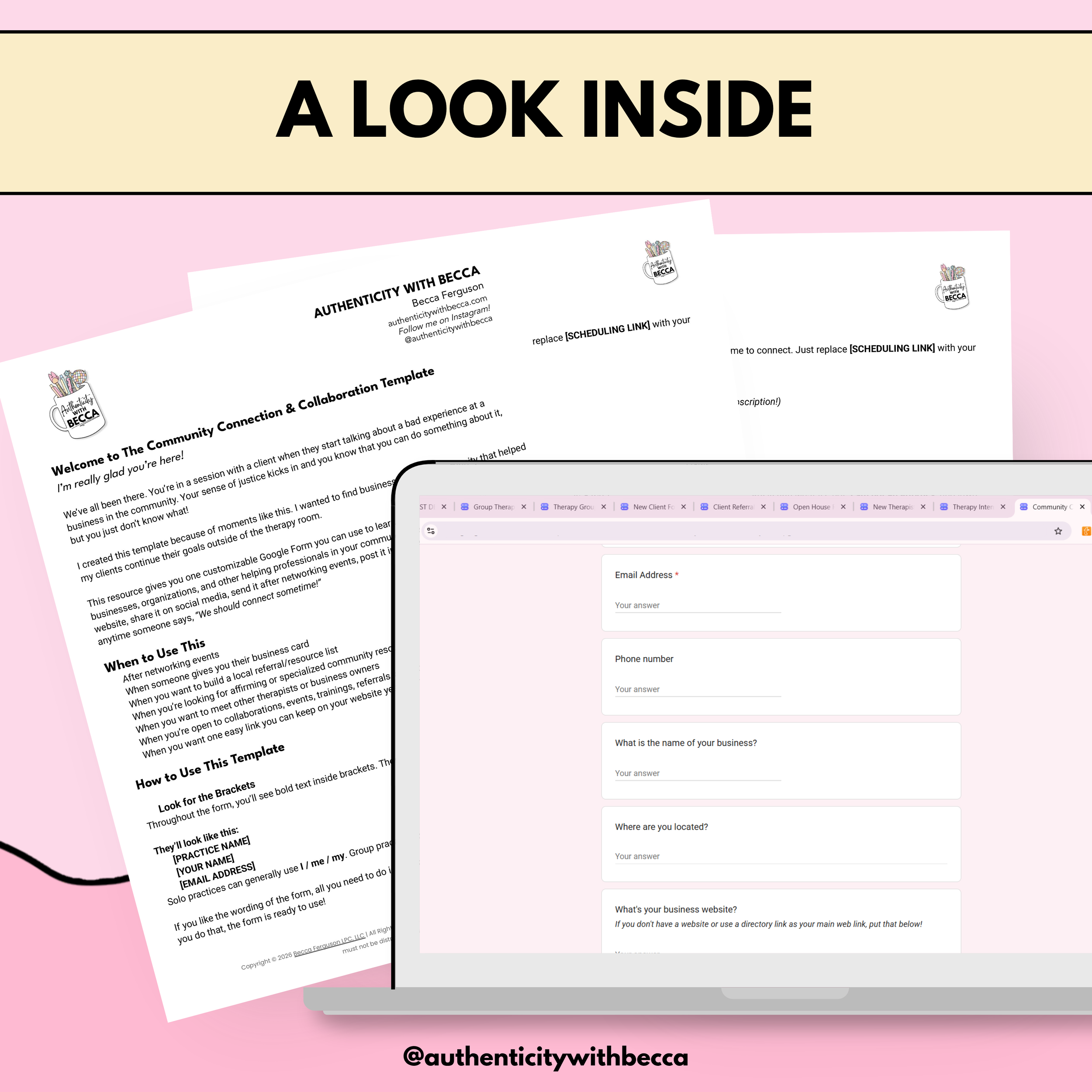
👋🏻 Community Connection & Collaboration Template
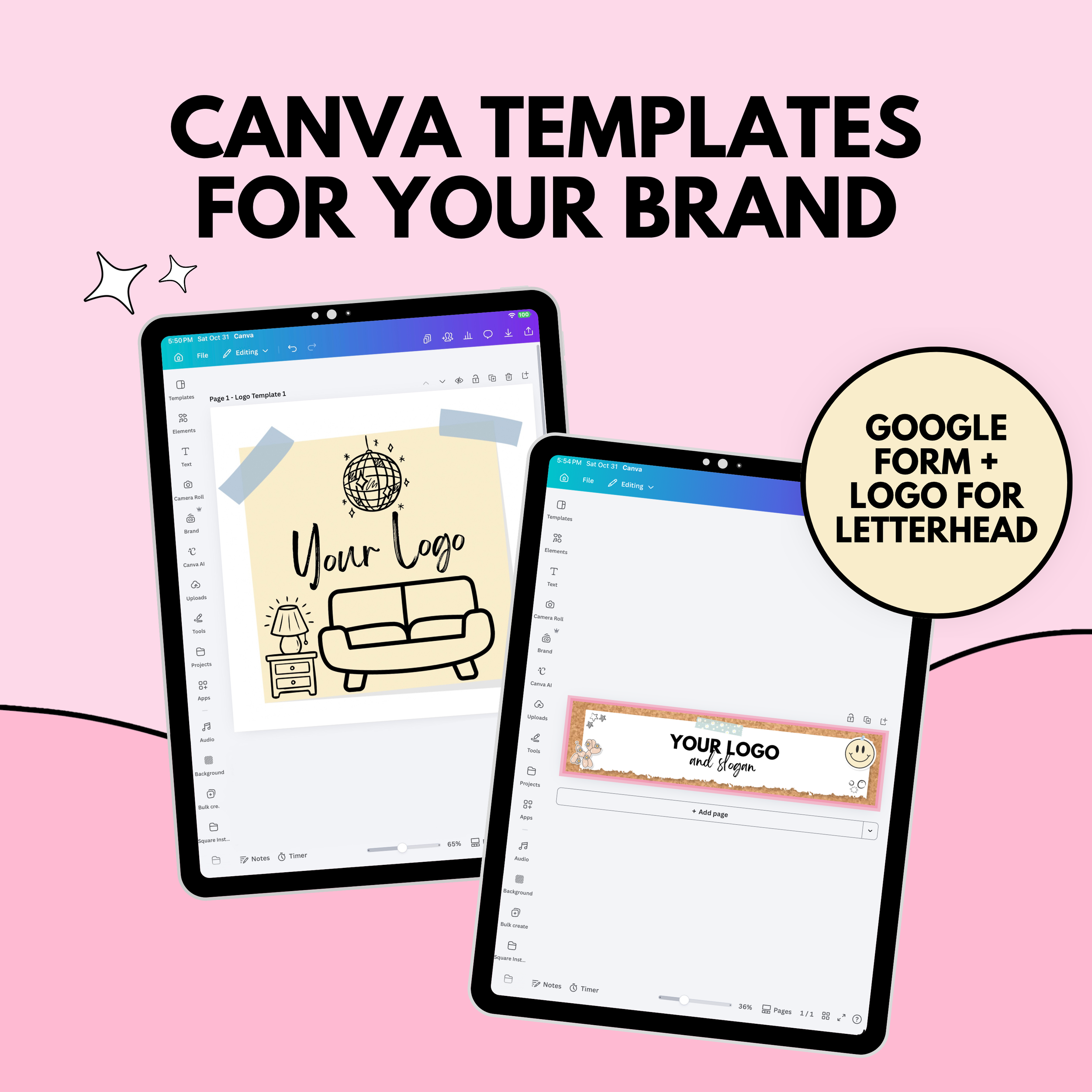
Learn about local professionals and businesses, the services they offer, and possible ways to support each other. Includes a Google Form and Canva header template.
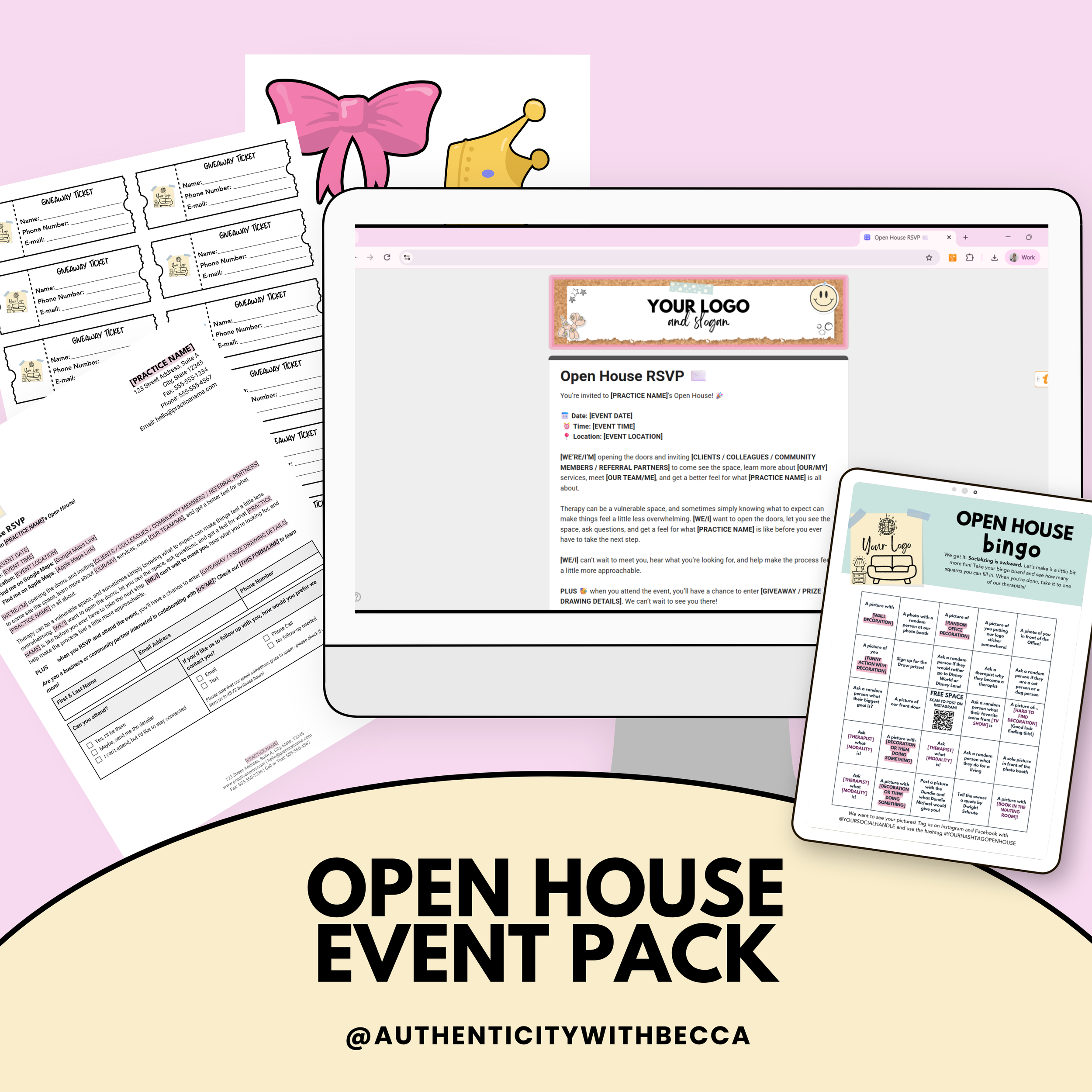
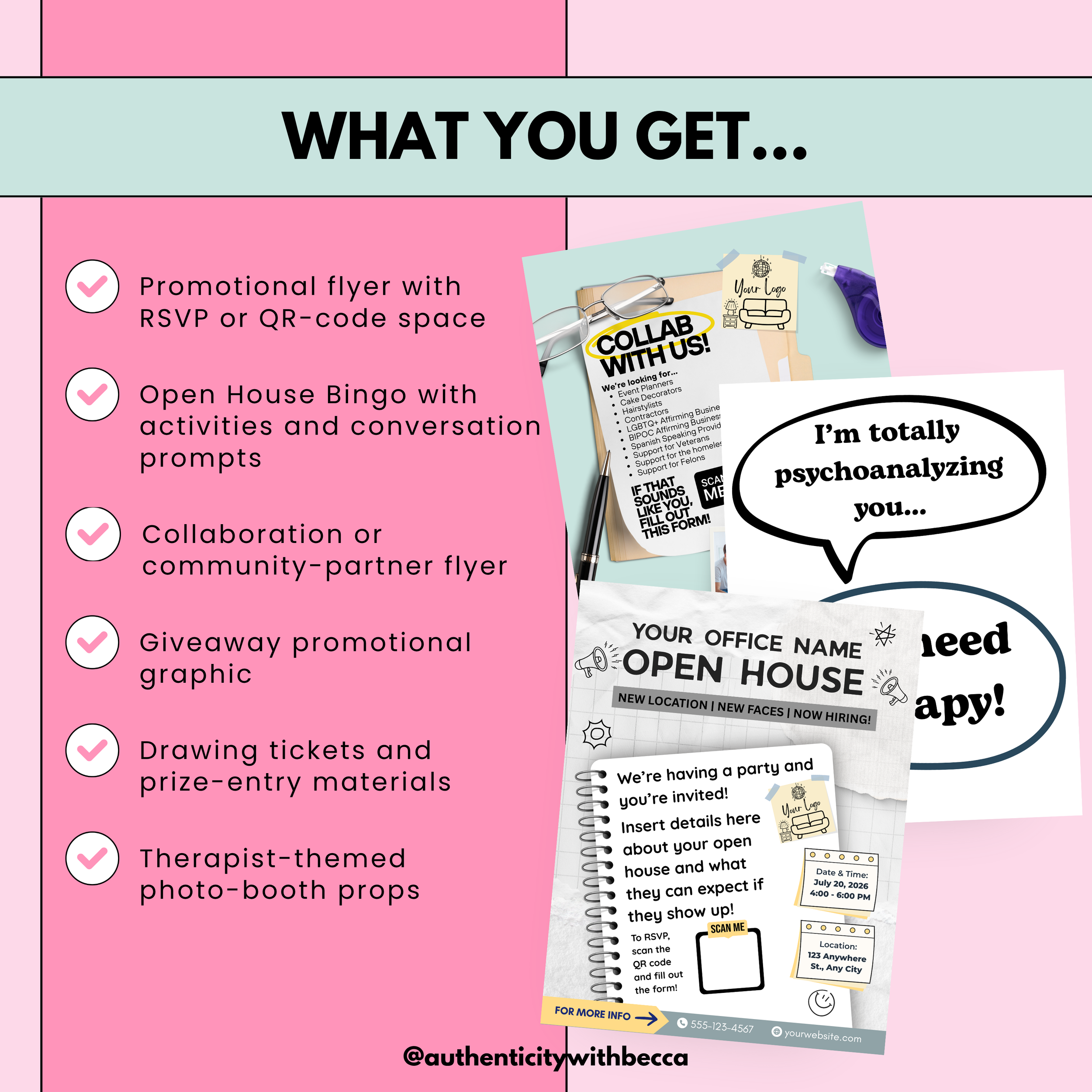
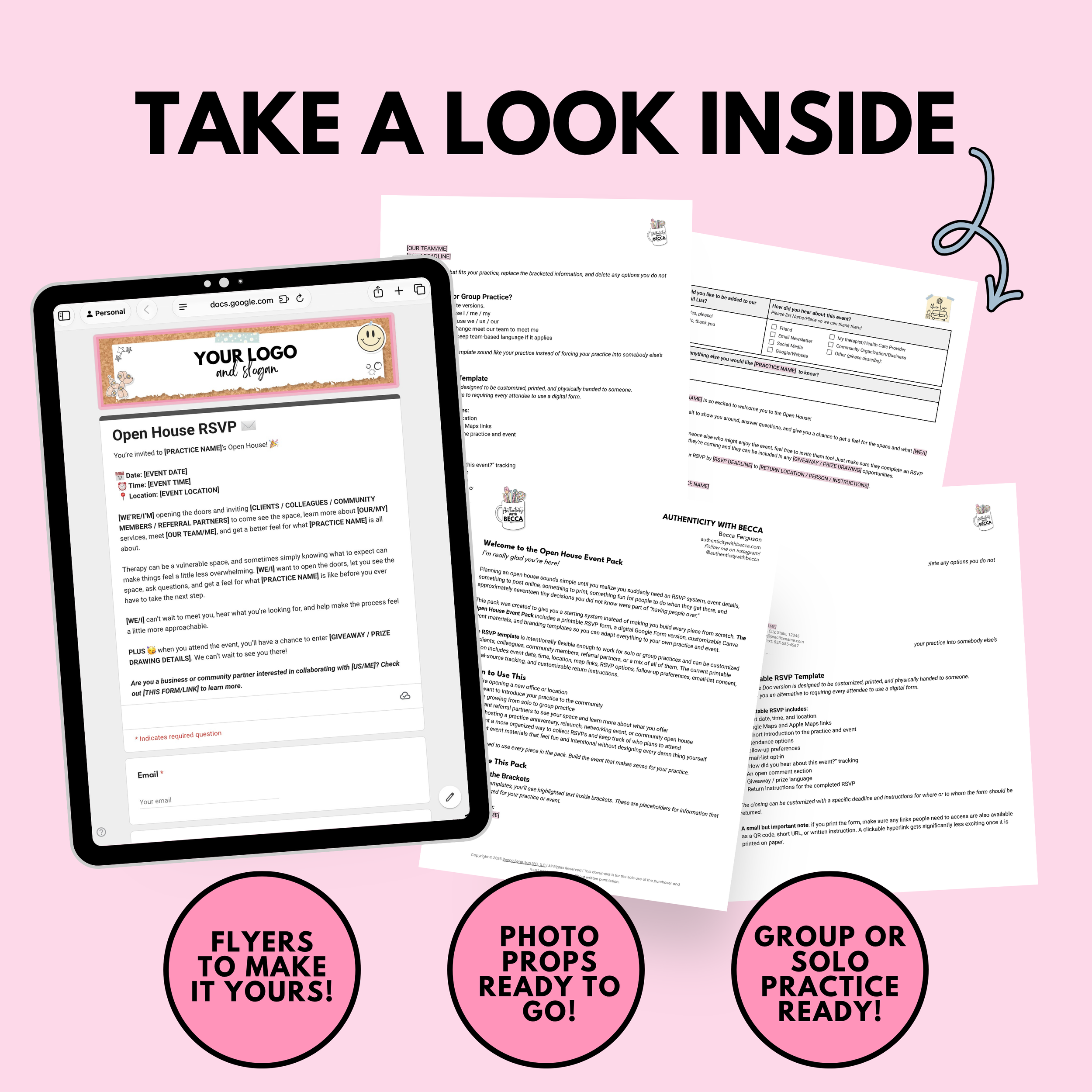
🥳 Open House Event Pack
Bring together written and digital RSVPs, Canva promotional designs, event activities, giveaway materials, drawing tickets, and photo-booth props for introducing your practice to the community.
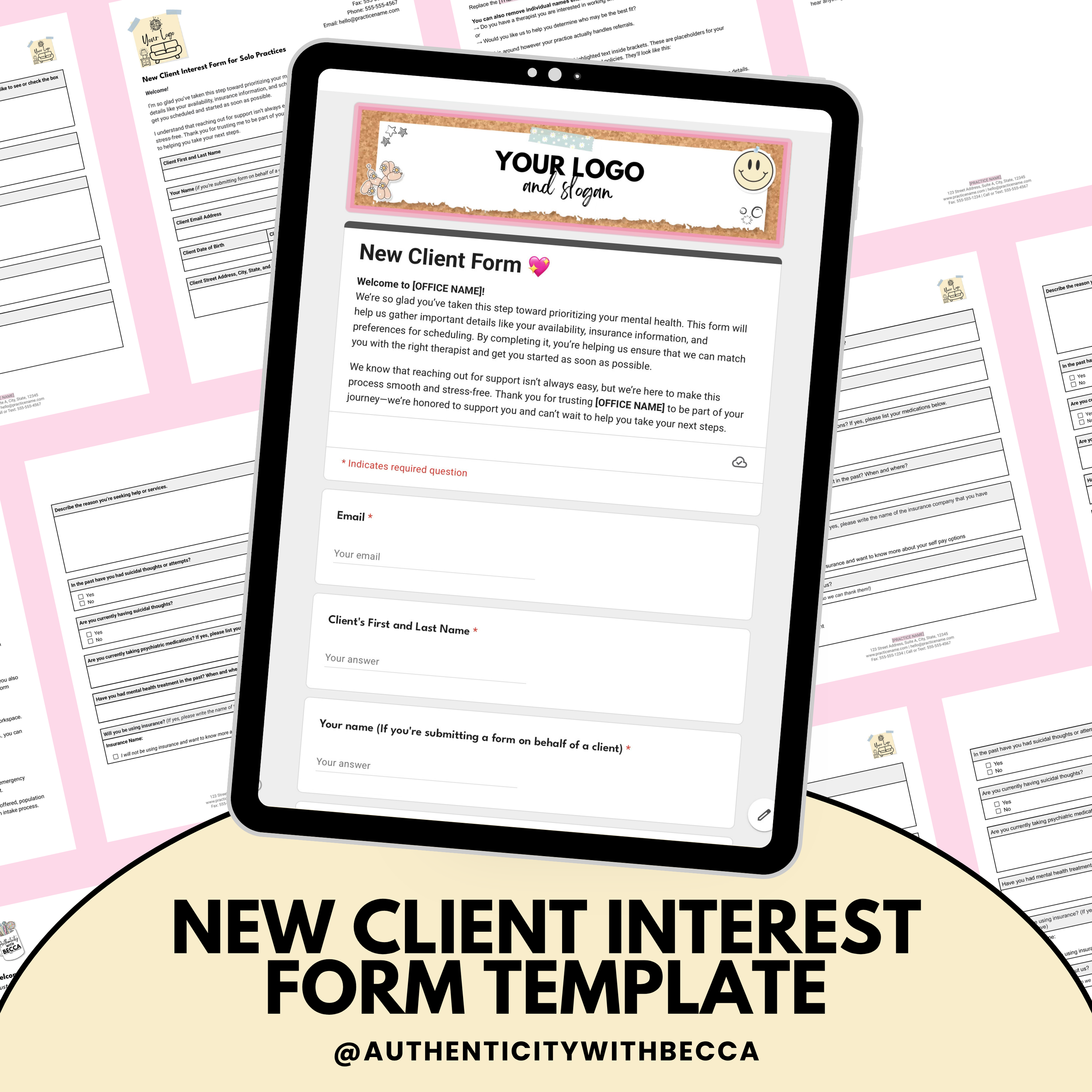
📌 New Client Interest Form Template
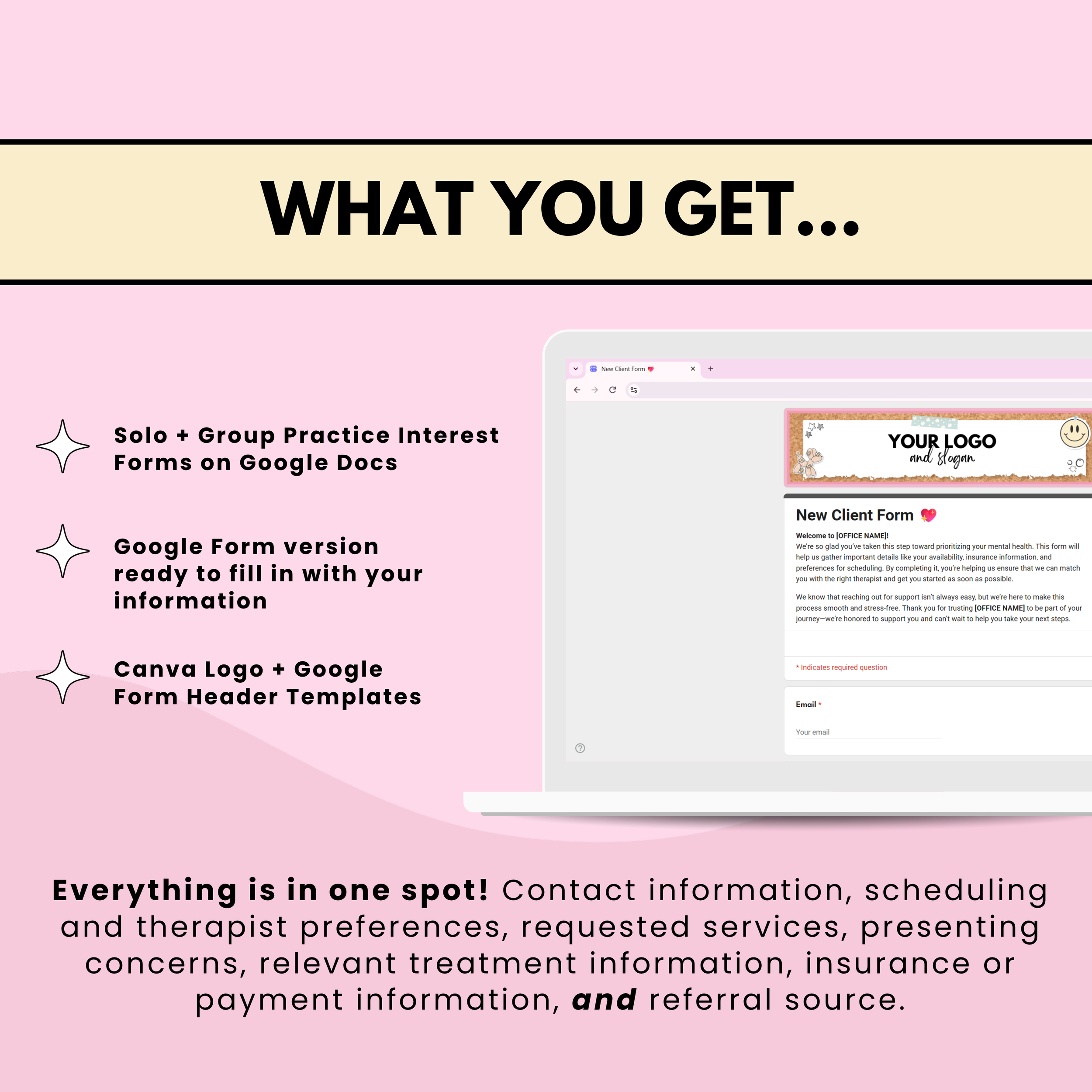
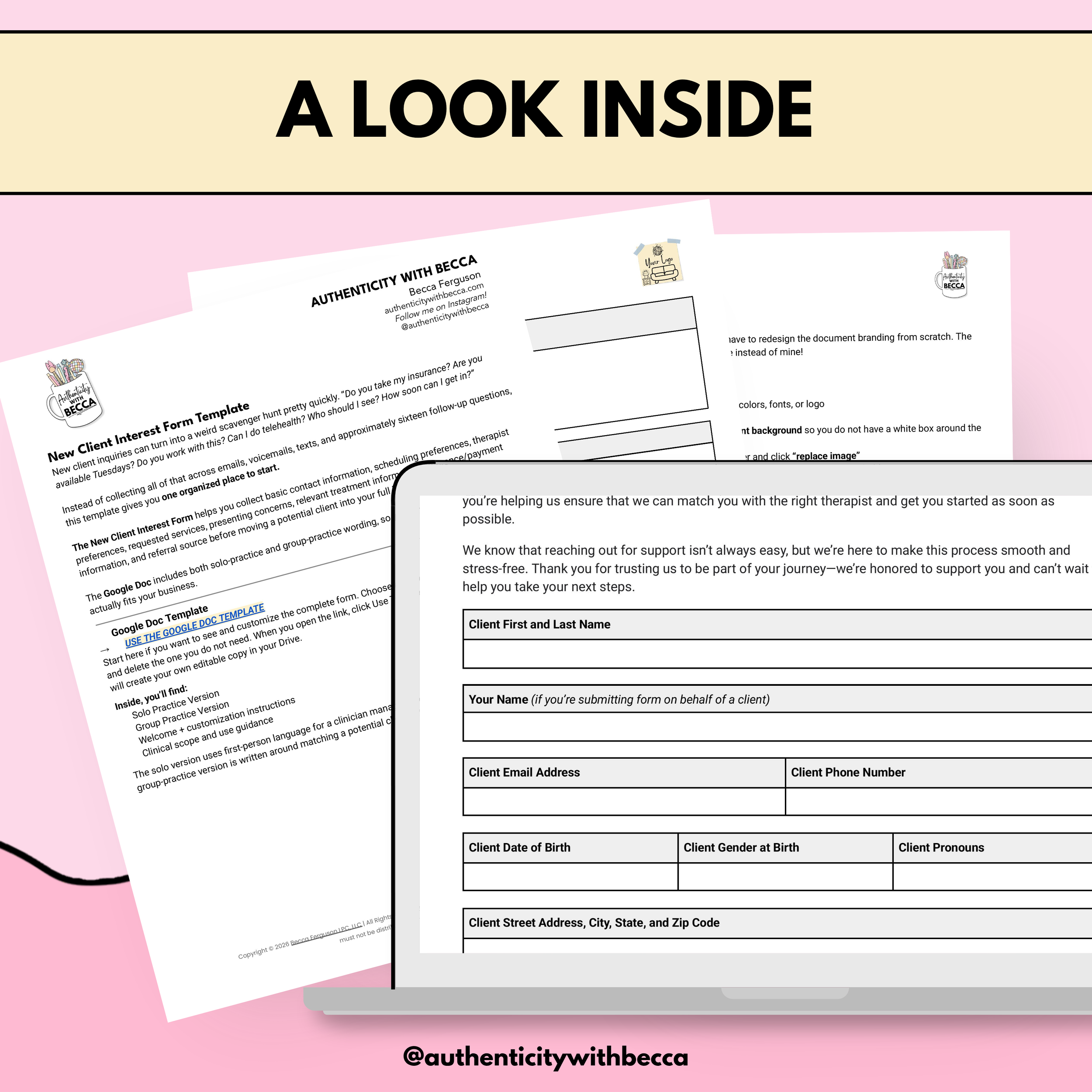
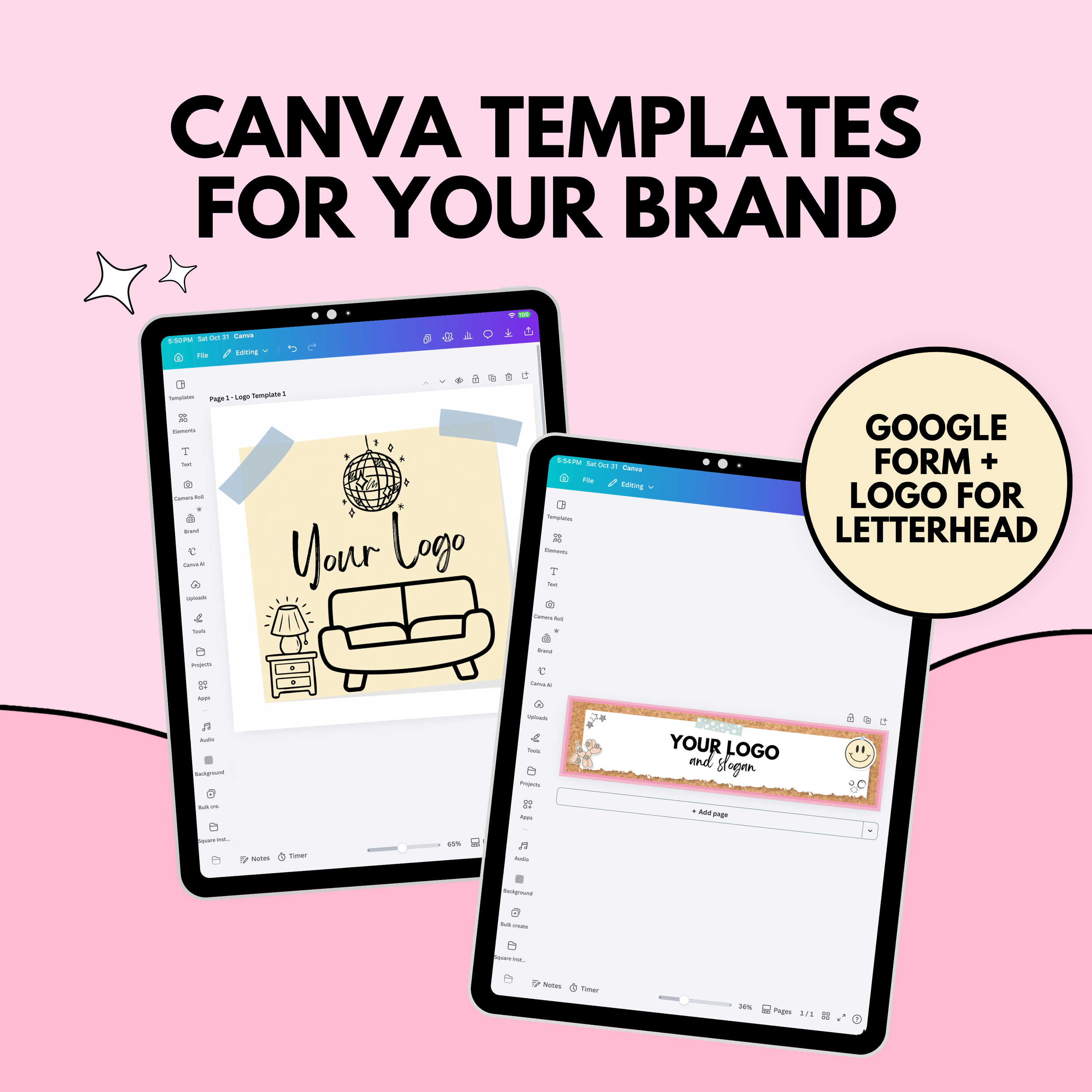
Give prospective clients one place to share contact information, scheduling preferences, requested services, presenting concerns, and payment information before your full intake process.
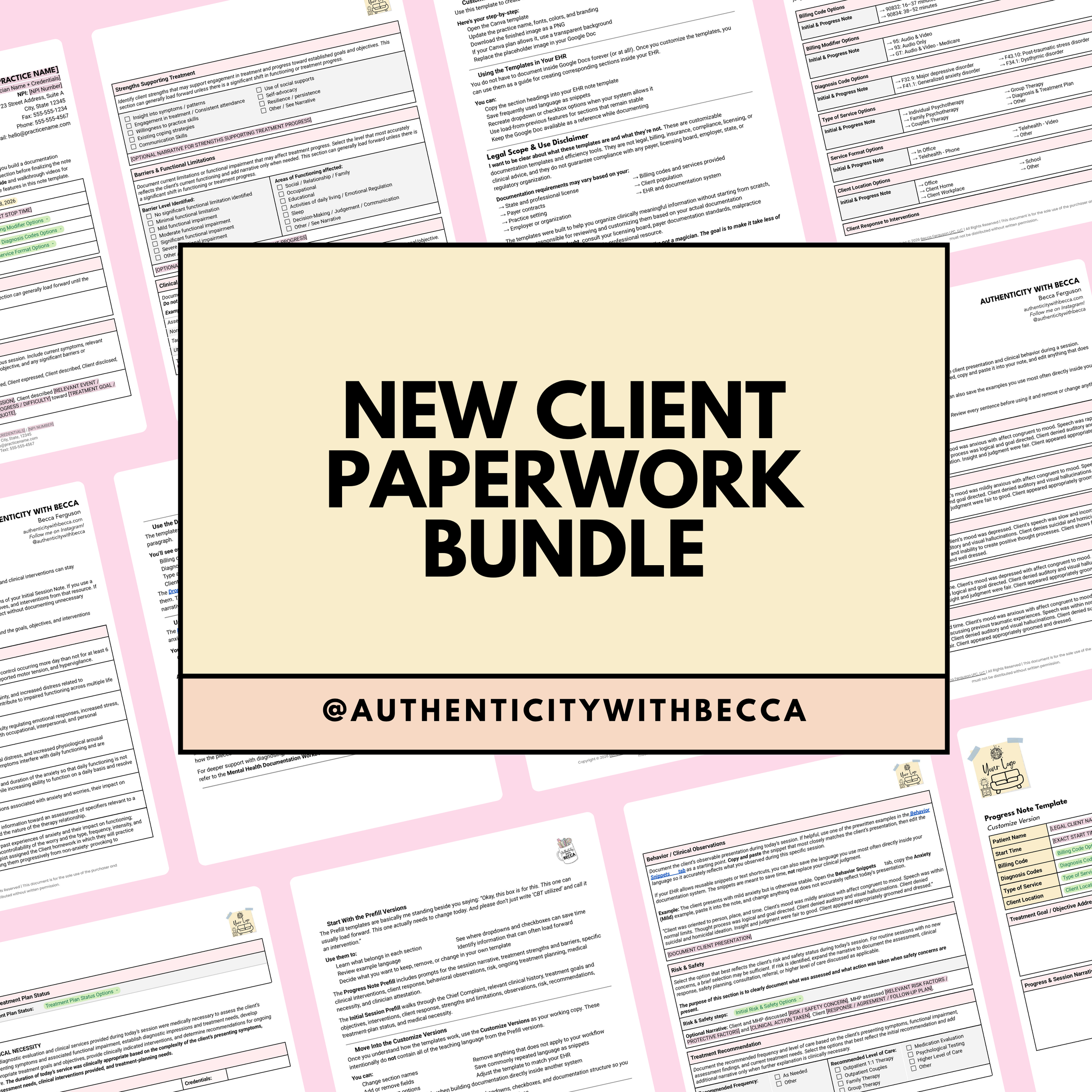
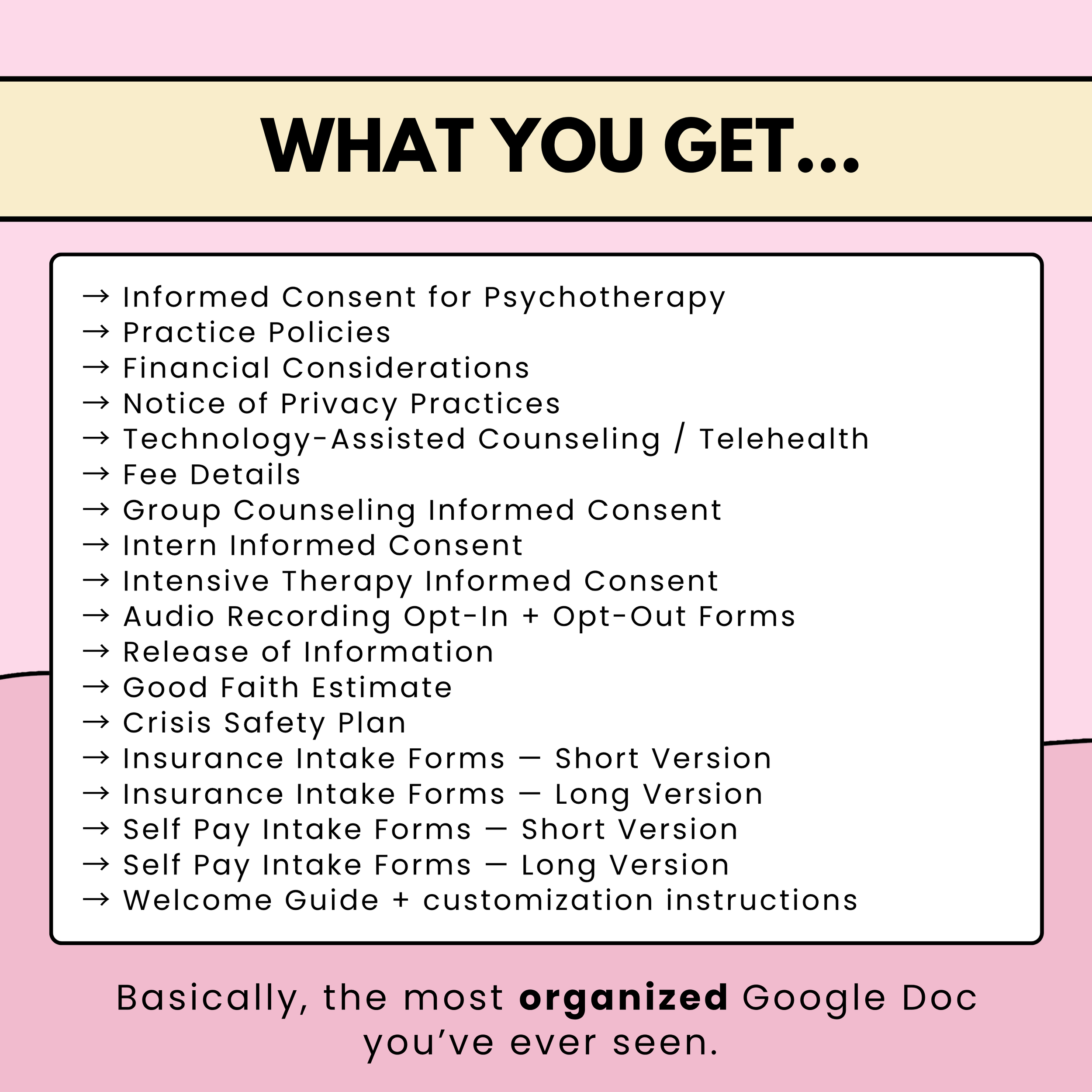
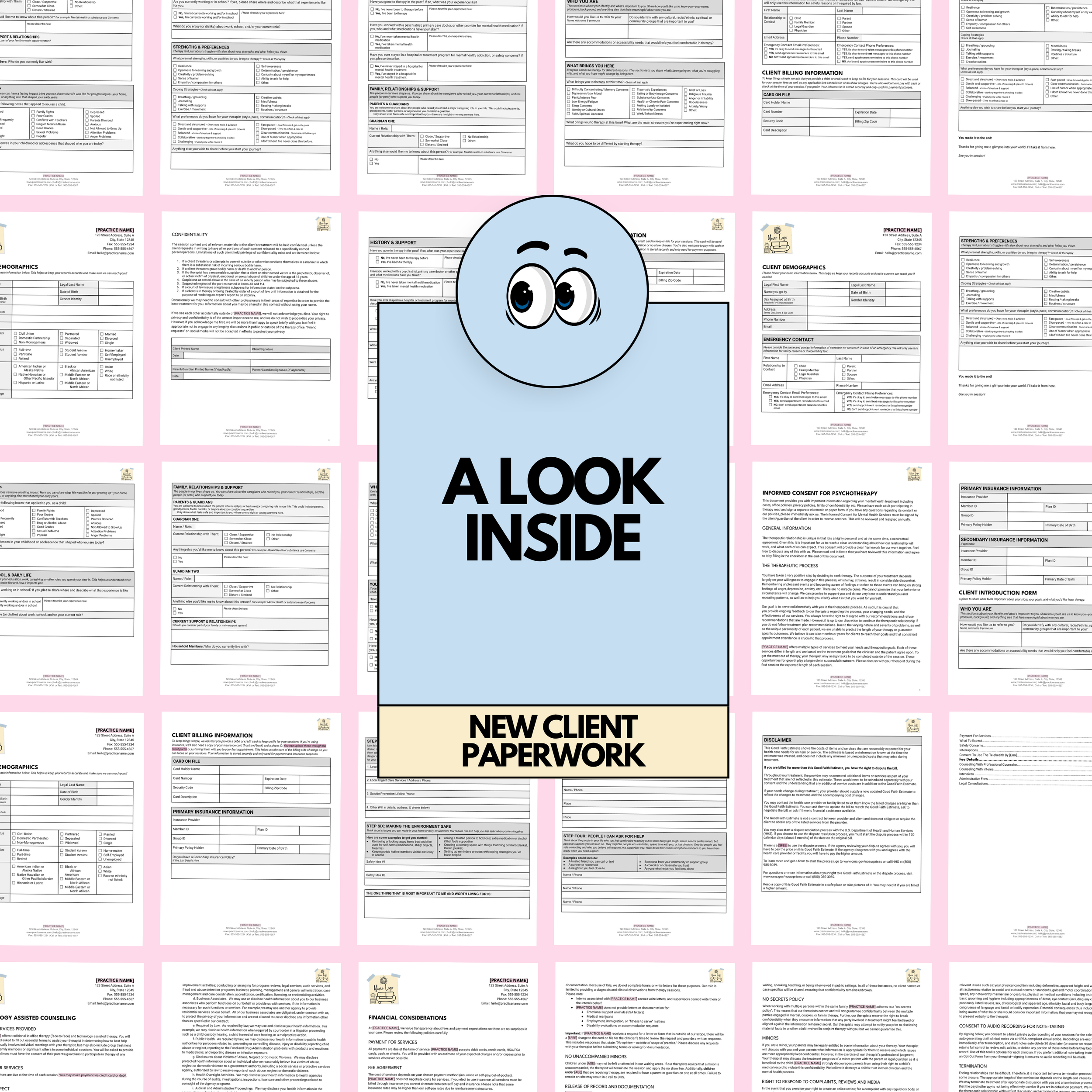
📎 New Client Paperwork
An organized Google Doc containing consent forms, practice policies, financial information, telehealth paperwork, releases, Good Faith Estimate language, crisis planning, and short and long intake options. Includes a Canva logo template.
🧠 Therapist Business Owner Cheatsheet
Keep business information, credentialing details, insurance rates, billing-code references, branding information, document links, directory listings, and other frequently needed details together in a Google Sheet.
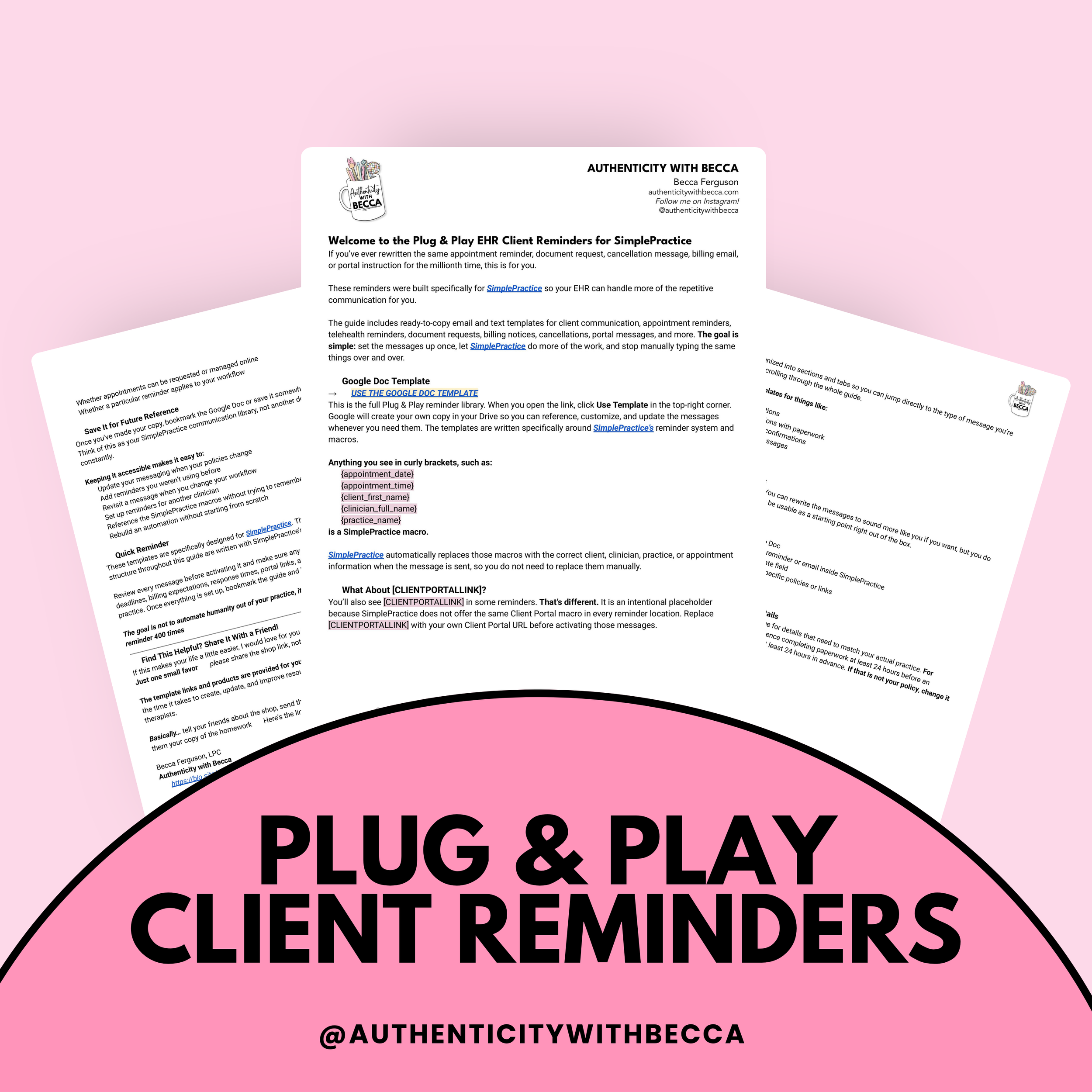
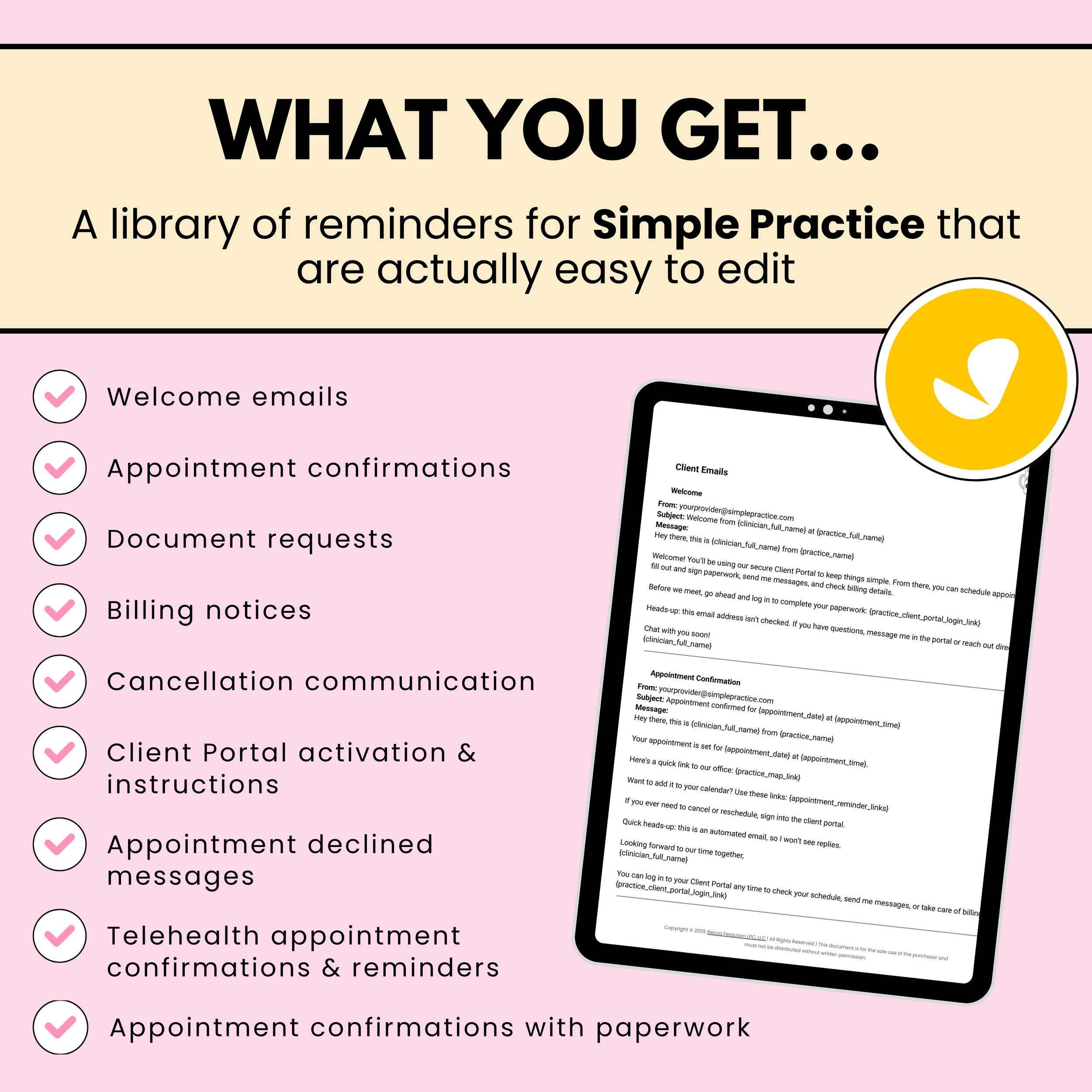
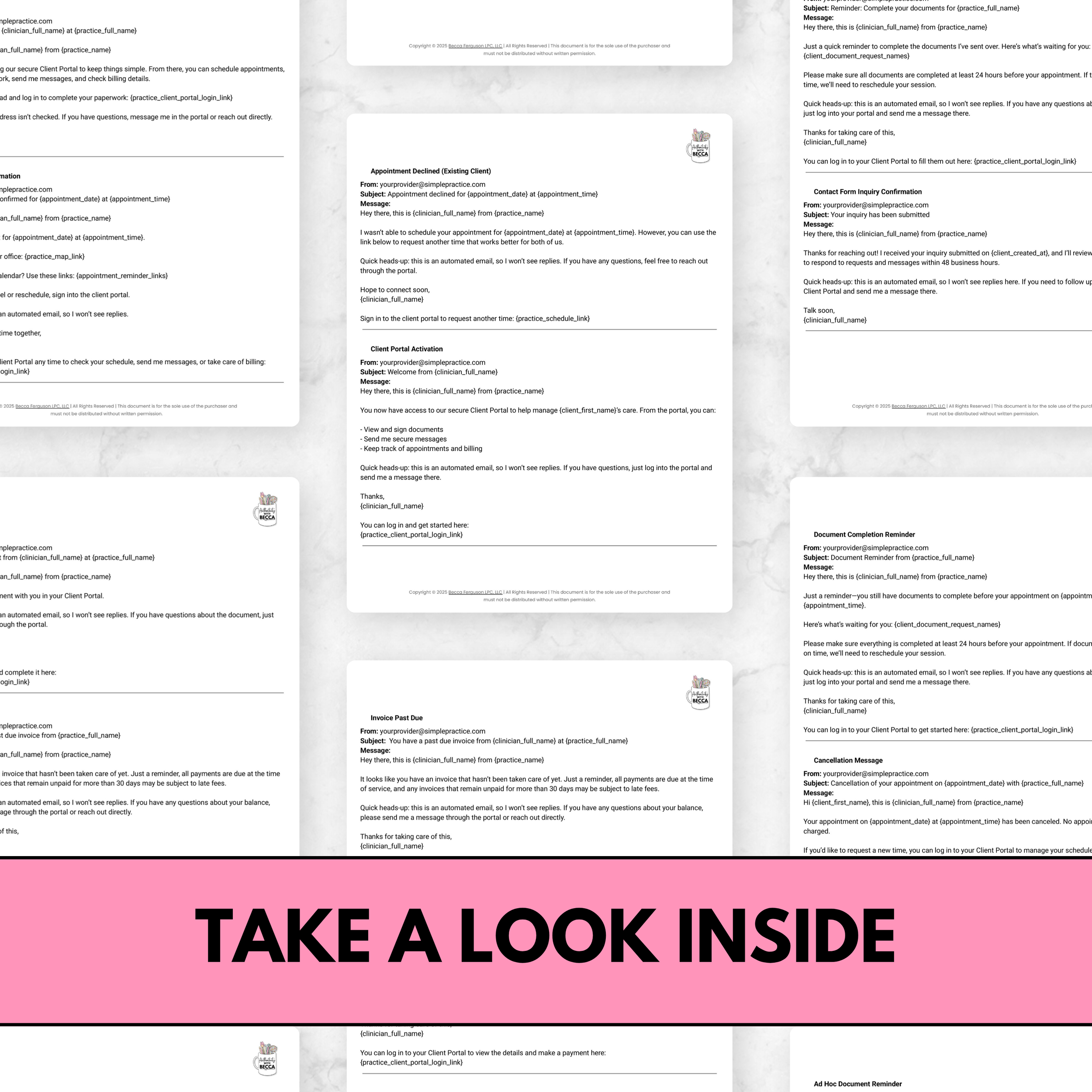
⏰ Plug & Play Client Reminders for SimplePractice
Email and text templates for welcome messages, appointments, telehealth, paperwork, billing, cancellations, and portal communication. Written around SimplePractice’s reminder system and macros.



-
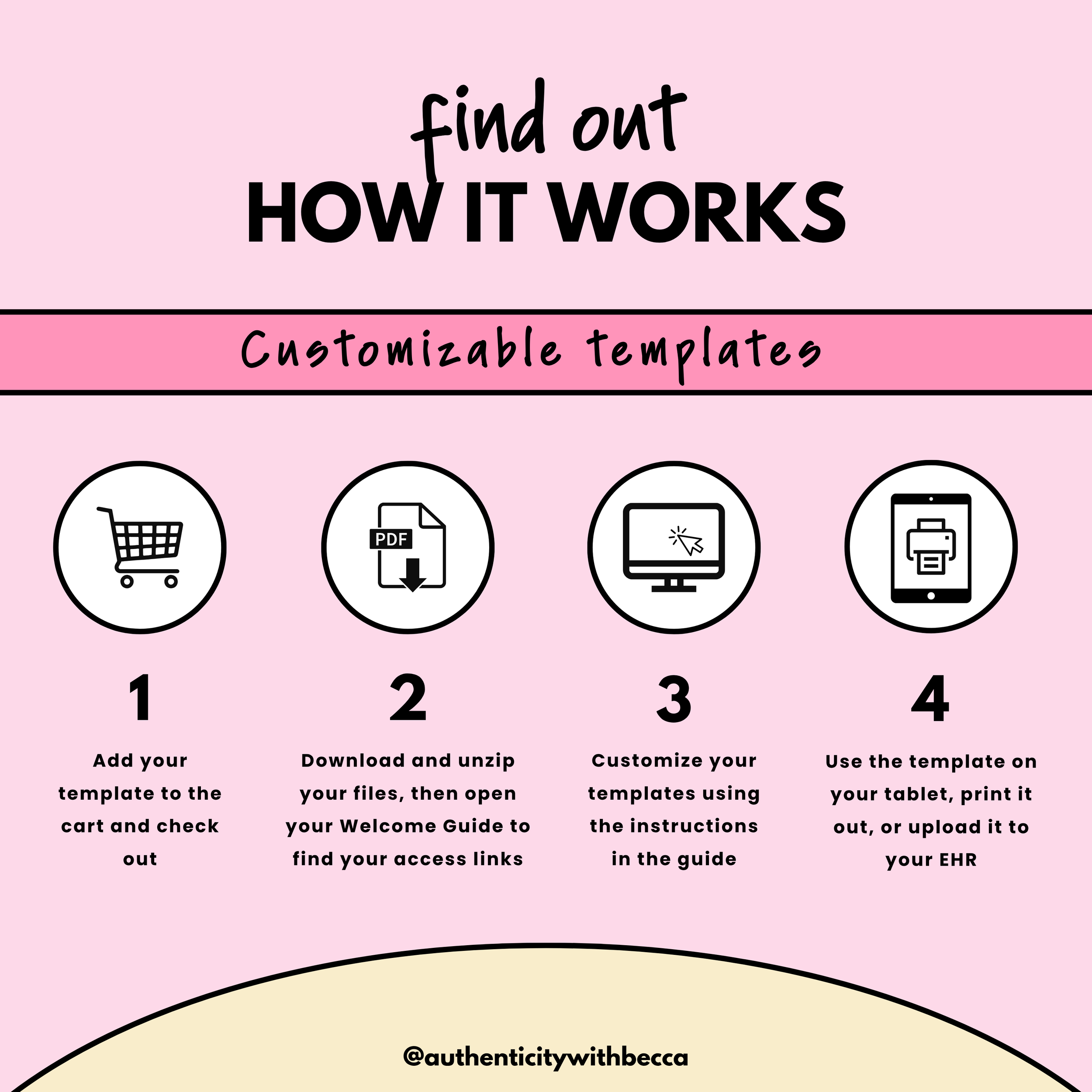
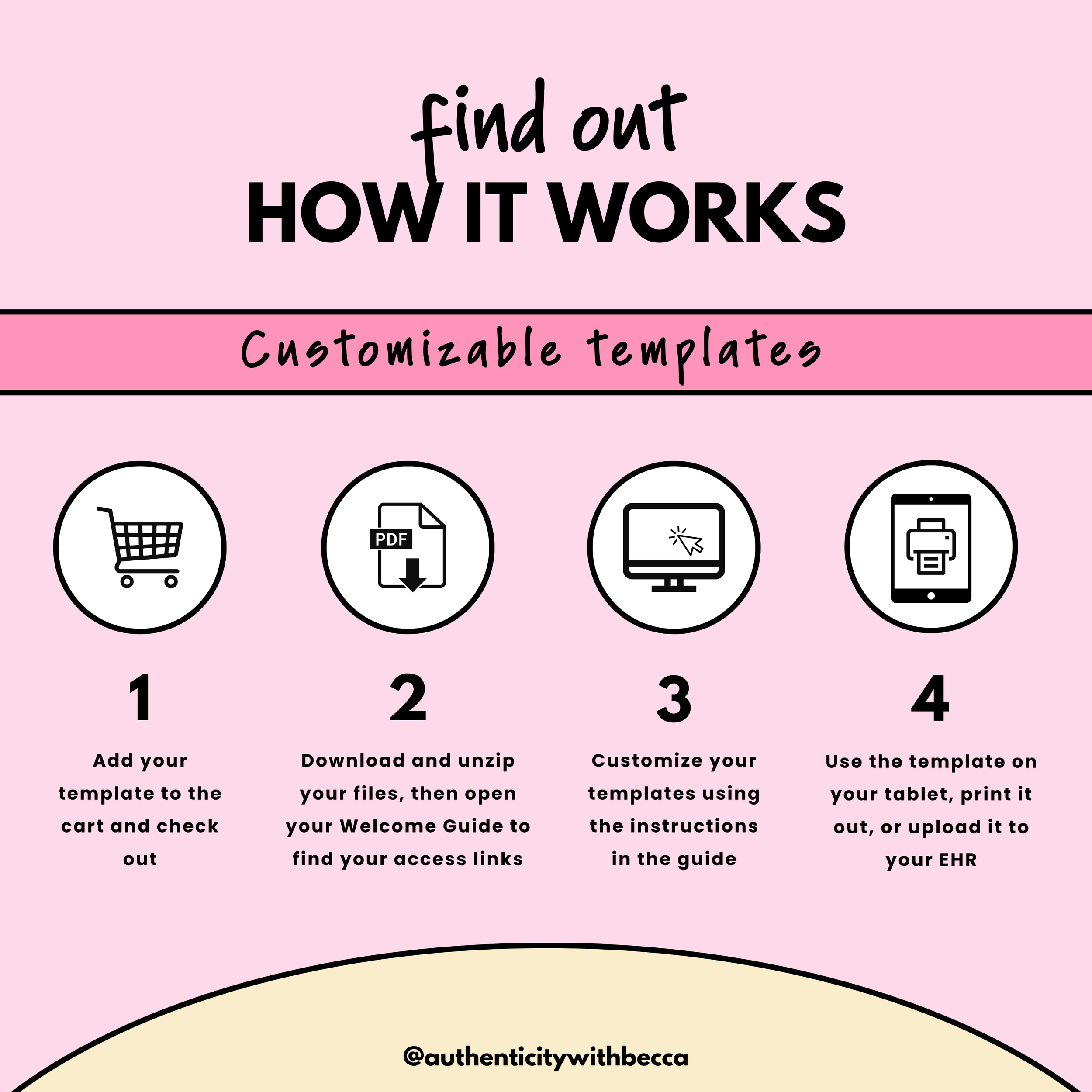
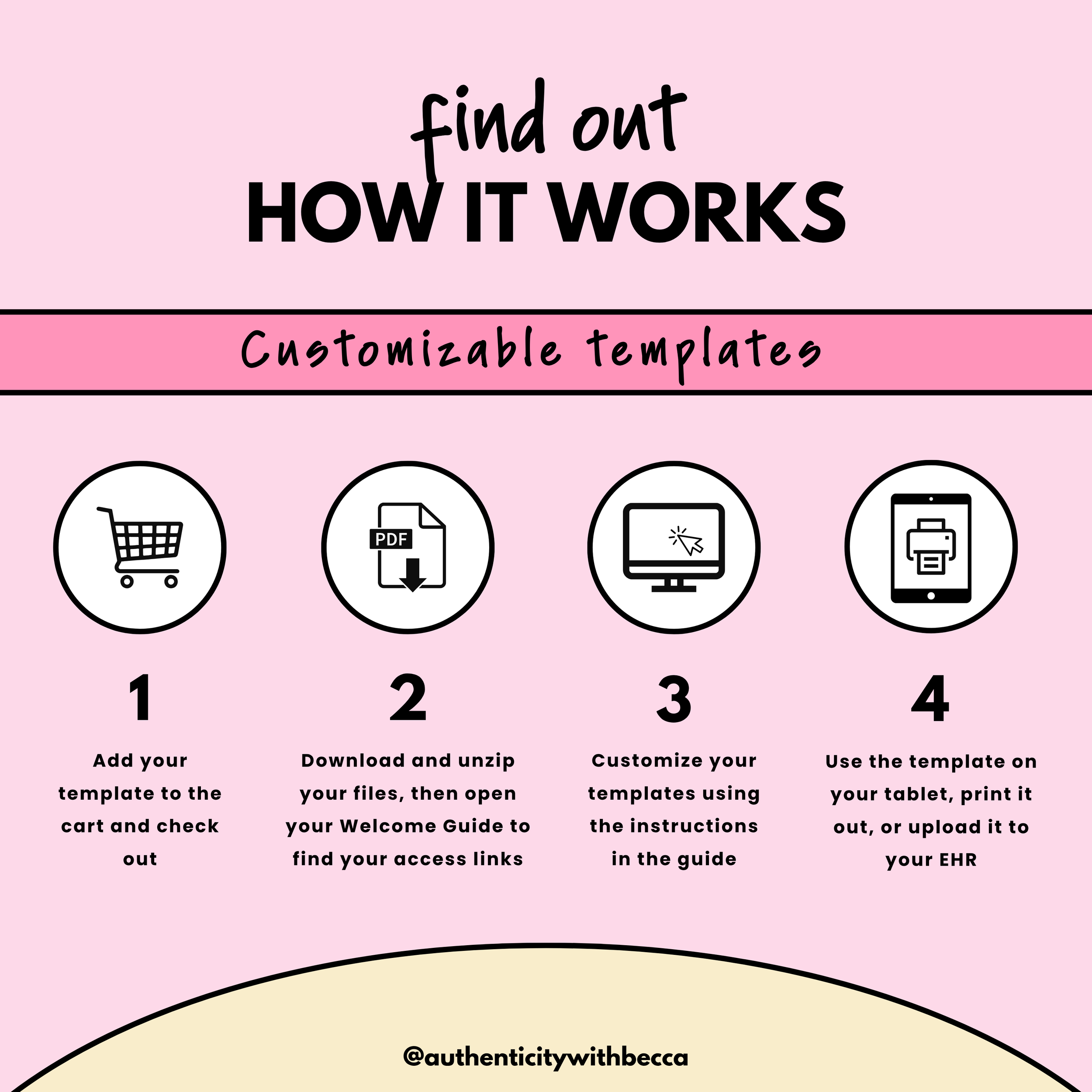
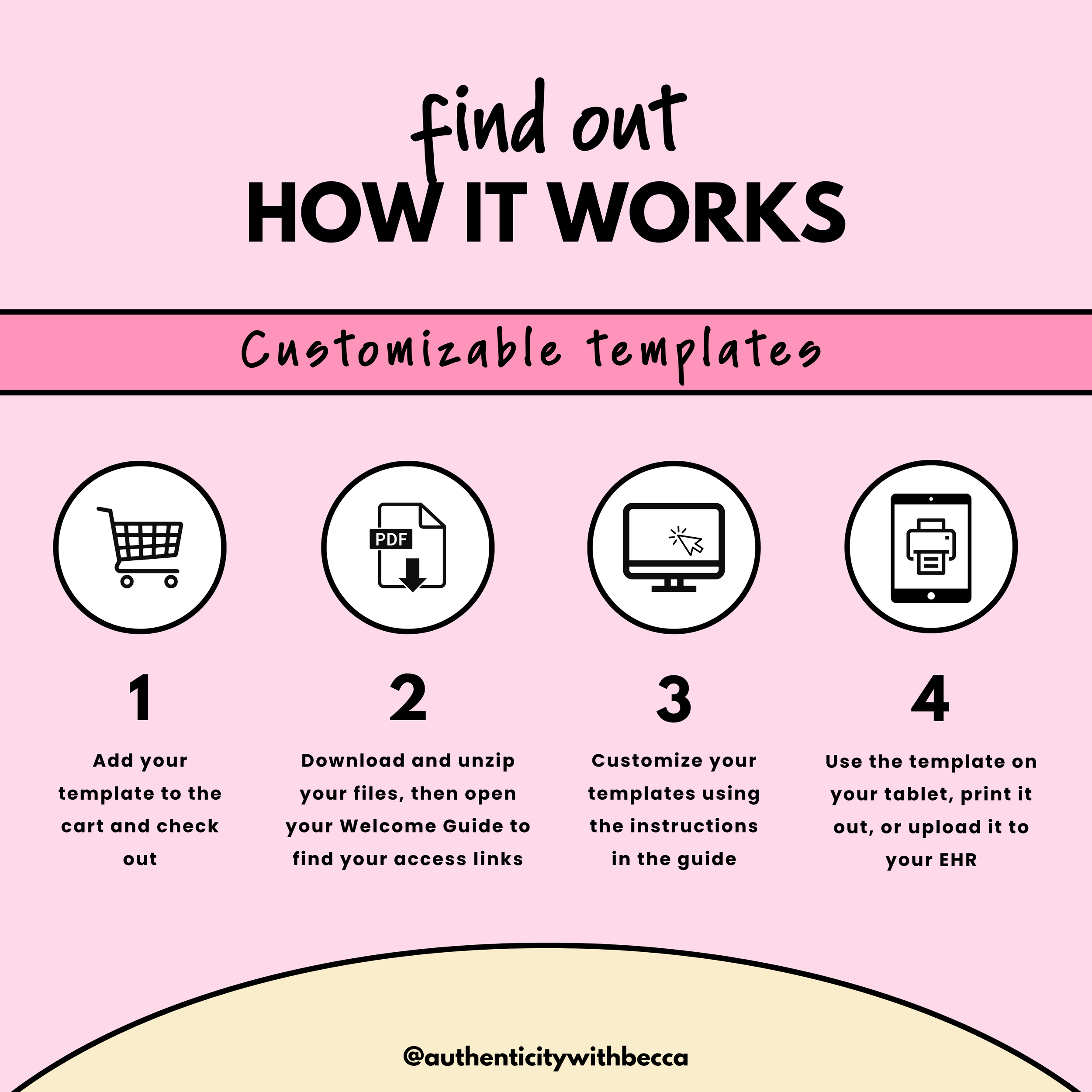
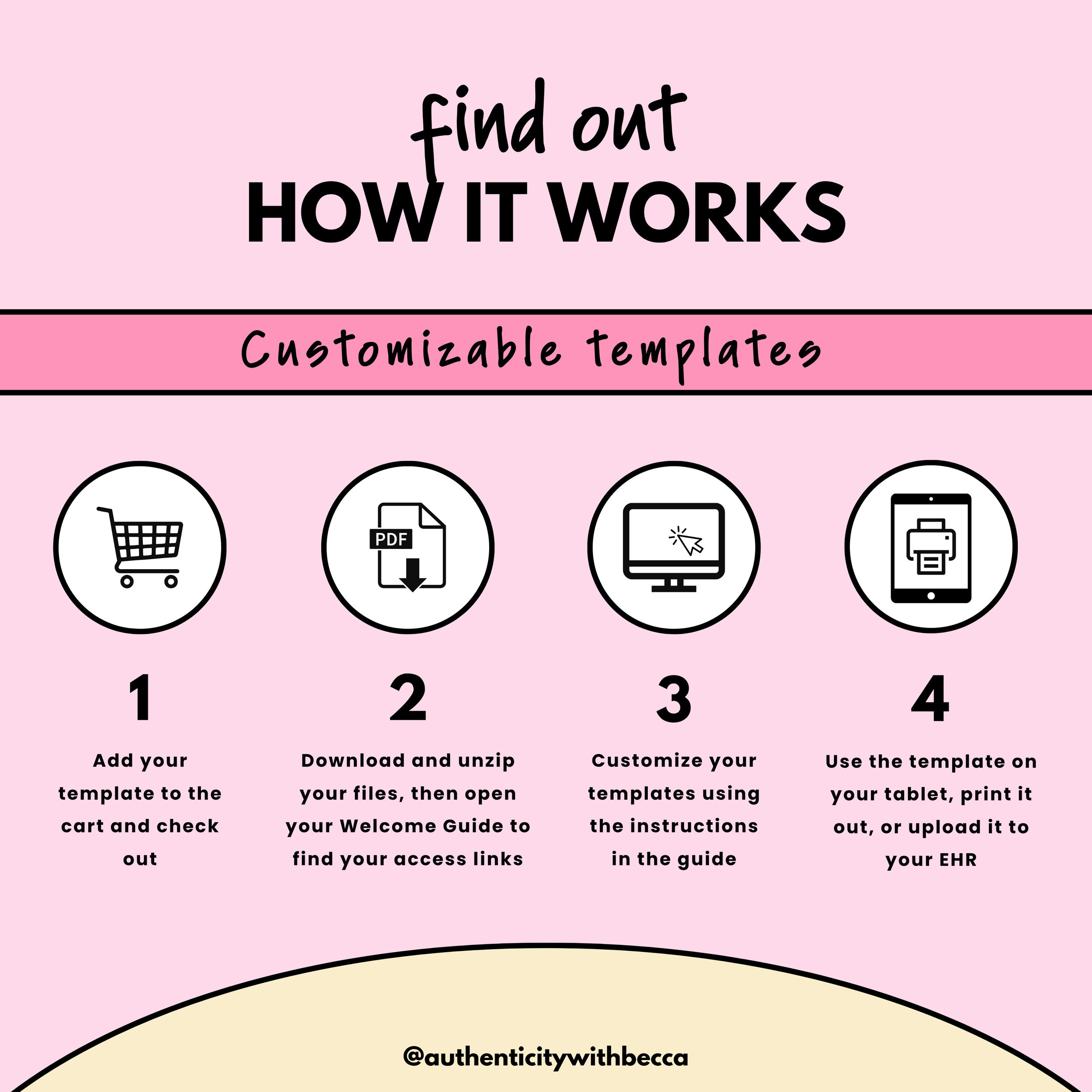
After checkout, you’ll receive an email with a link to download your purchase. Save the files, unzip the folder if needed, and open the Welcome Guide first. It explains what’s included and provides instructions and links for accessing your templates, videos, and other resources. Keep your downloaded files somewhere easy to find so you can return to them whenever you need.
-
For Google templates, use the Google account where you want to save your copies. These templates work best with your professional Google Workspace account. Canva templates use your Canva account. PDFs can be read on your screen or printed. If you want to write on them digitally, use a compatible annotation app like Goodnotes. Software and app subscriptions aren’t included with your purchase.
-
Yes. Most resources are available individually too. The Featured Products are designed to make things more affordable by grouping related resources together at a lower price than buying everything separately. But if you only need one thing, just click on that individual product inside the Featured Product and grab it on its own.
-
Start with the instructions included inside the product. I also have tutorials that walk through things like Google templates, Canva, and other common tools → Check out my YouTube Channel 📺
If you want more direct support applying or customizing something for your own practice or business, you can also book a coaching session with me → Book a session with me 🎉
-
This is a digital download. No physical product will be shipped. After checkout, you’ll receive an email with your download link. Save your files, unzip the folder if needed, and open the Welcome Guide first. It brings together the instructions and links for your purchase, including any templates or course videos.
-
The “What’s Included” section in your welcome guide lists the resources and formats you’re purchasing. Here’s what those labels mean:
✔ Google Docs: Documents you can copy, edit, and adapt for your practice
✔ Google Forms: Forms you can copy and adjust to gather the information you need
✔ Google Sheets: Spreadsheets with the organization already started for you
✔ Canva Templates: Designs you can edit with your branding and content
✔ PDF Resources: Downloadable materials you can read, print, or use with an annotation app like Goodnotes
✔ Videos: Recorded teaching or walkthroughs you can watch at your own pace -
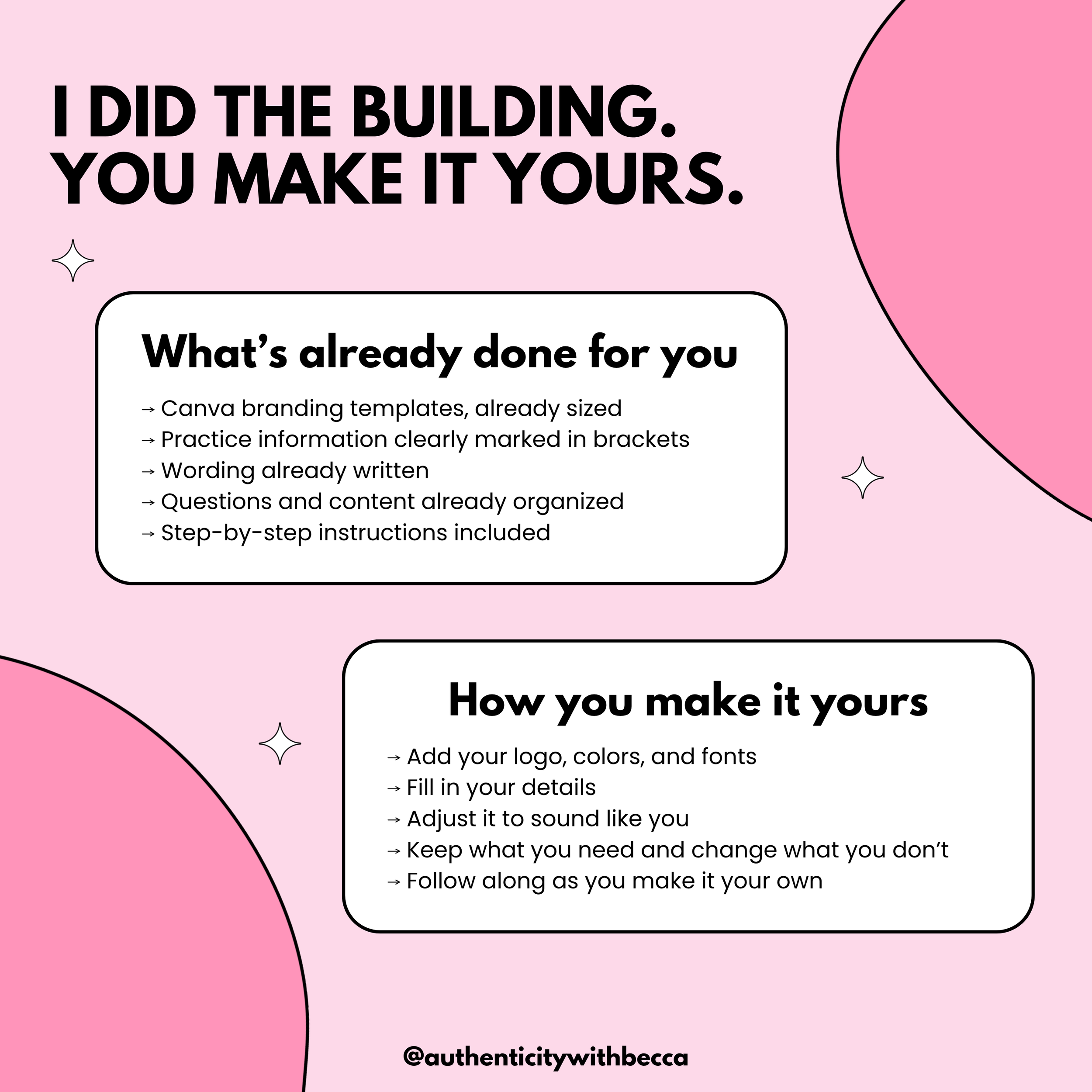
The templates are made for you to adapt. Change the wording, fill in your practice information, add your branding, and keep, remove, or rearrange the content to fit the way you actually work. Your Welcome Guide explains how to access and customize the included templates. PDF resources are provided as finished materials; an editable version or fillable feature will be specifically listed when included.
-
Please share the shop link instead of the files or template links you purchased. Client-facing resources can be used with your clients as described in the individual Welcome Guide. Purchasing a resource doesn’t give permission to resell it, publish the template links, or distribute the original files to colleagues or other practices. Basically… tell people where you found it. Just don’t hand them your copy of the homework 😎 Here’s the link → 🔗 The Shop 🛒
-
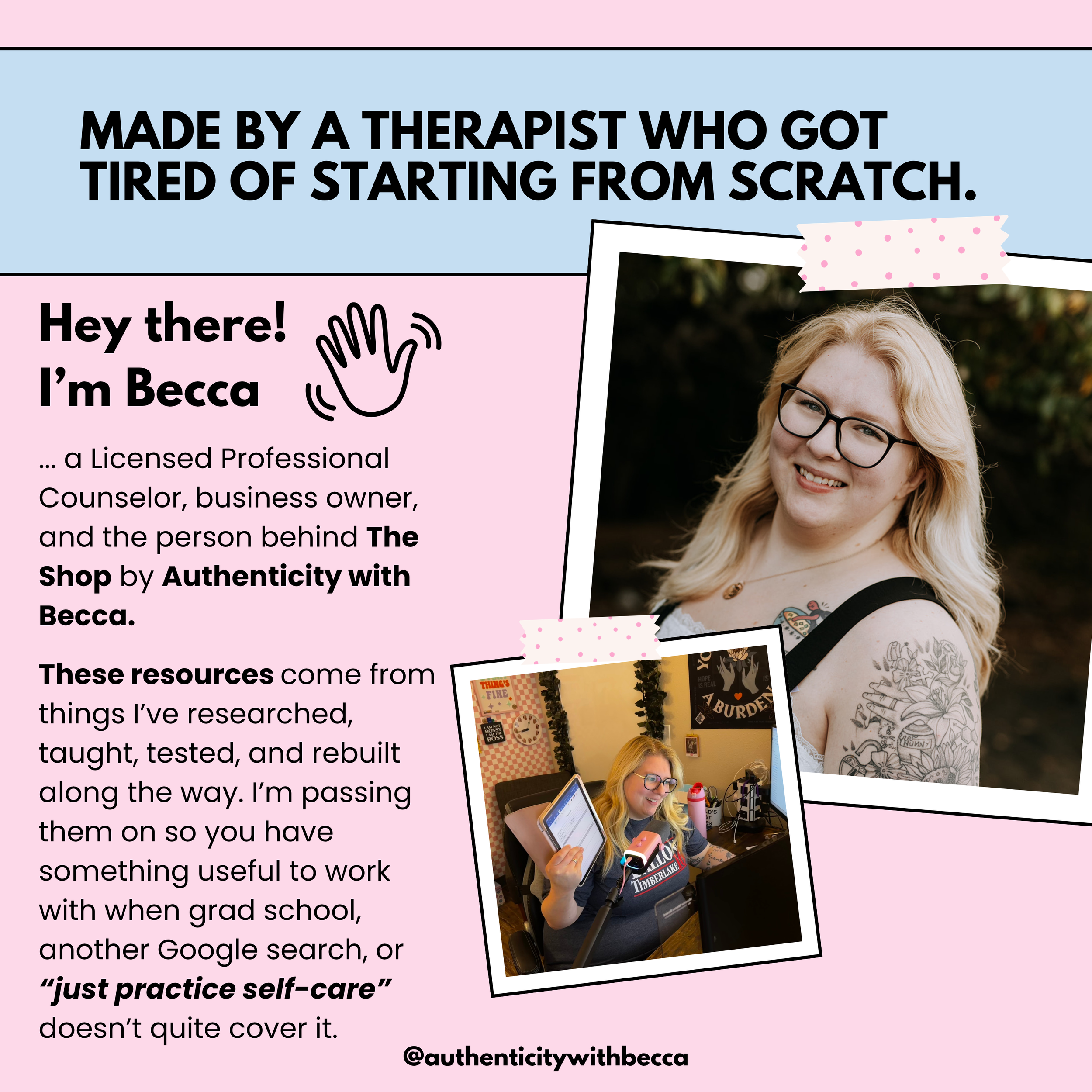
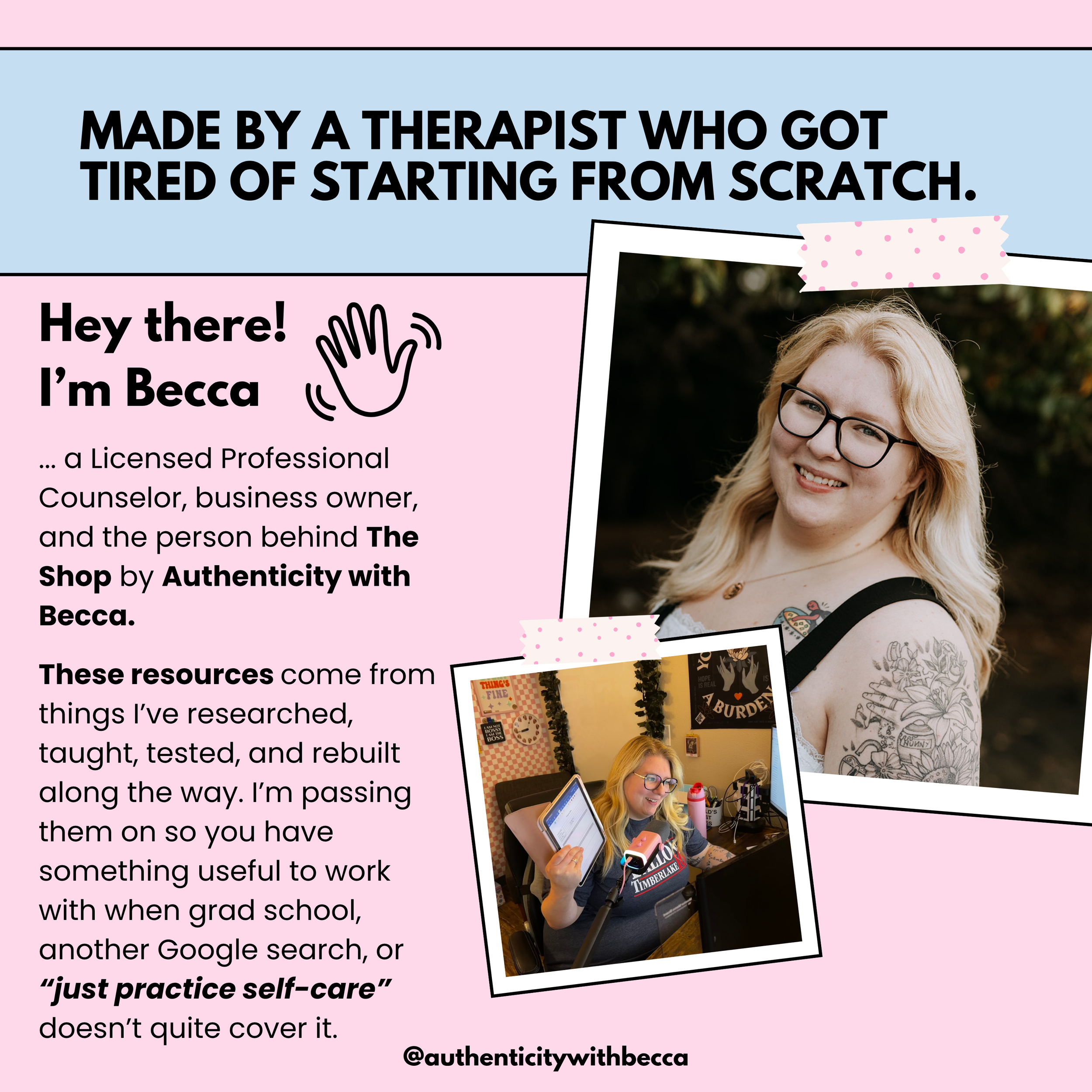
I’m Becca, a Licensed Professional Counselor in Arkansas. I’m a therapist, but purchasing a resource doesn’t make me your therapist, clinical supervisor, or legal advisor. These resources provide education and practical support. They aren’t a substitute for therapy, legal advice, or clinical supervision. Review and adapt professional resources for your practice, your clients, and the licensing, legal, ethical, employer, or payer requirements that apply to your work. Additional scope and use information is included in the Welcome Guide where relevant.
-
All digital purchases are final. No refunds or credits. Please review the description and previews before purchasing. If something isn’t downloading or a link isn’t working, email hello@authenticitywithbecca.com so I can help you access what you purchased.
Ready to get started?
Shonda Rhimes really made Private Practice look way easier than this. There’s no magical LA building, no hot-surfer receptionist, and apparently you’re supposed to learn how to be a business owner too.
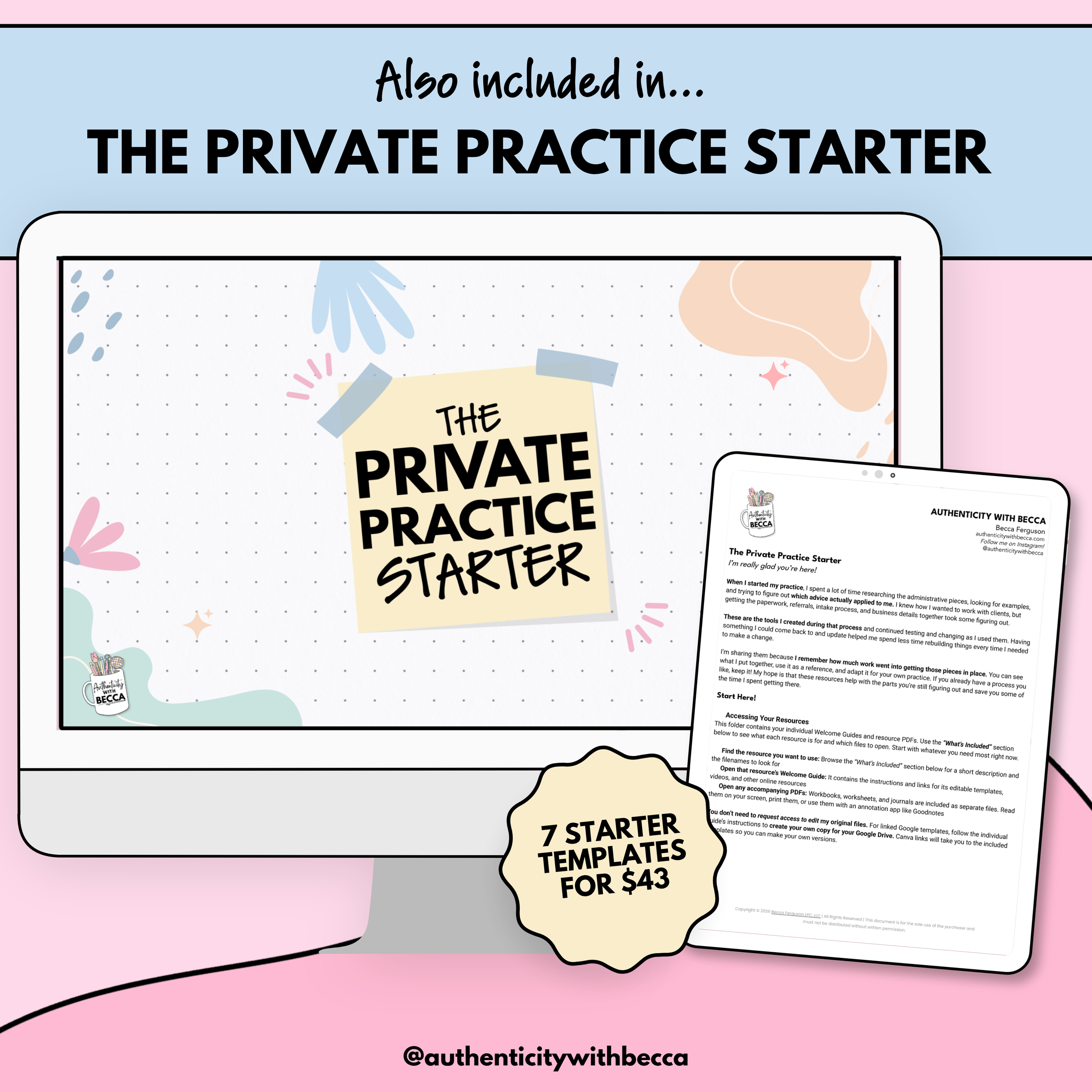
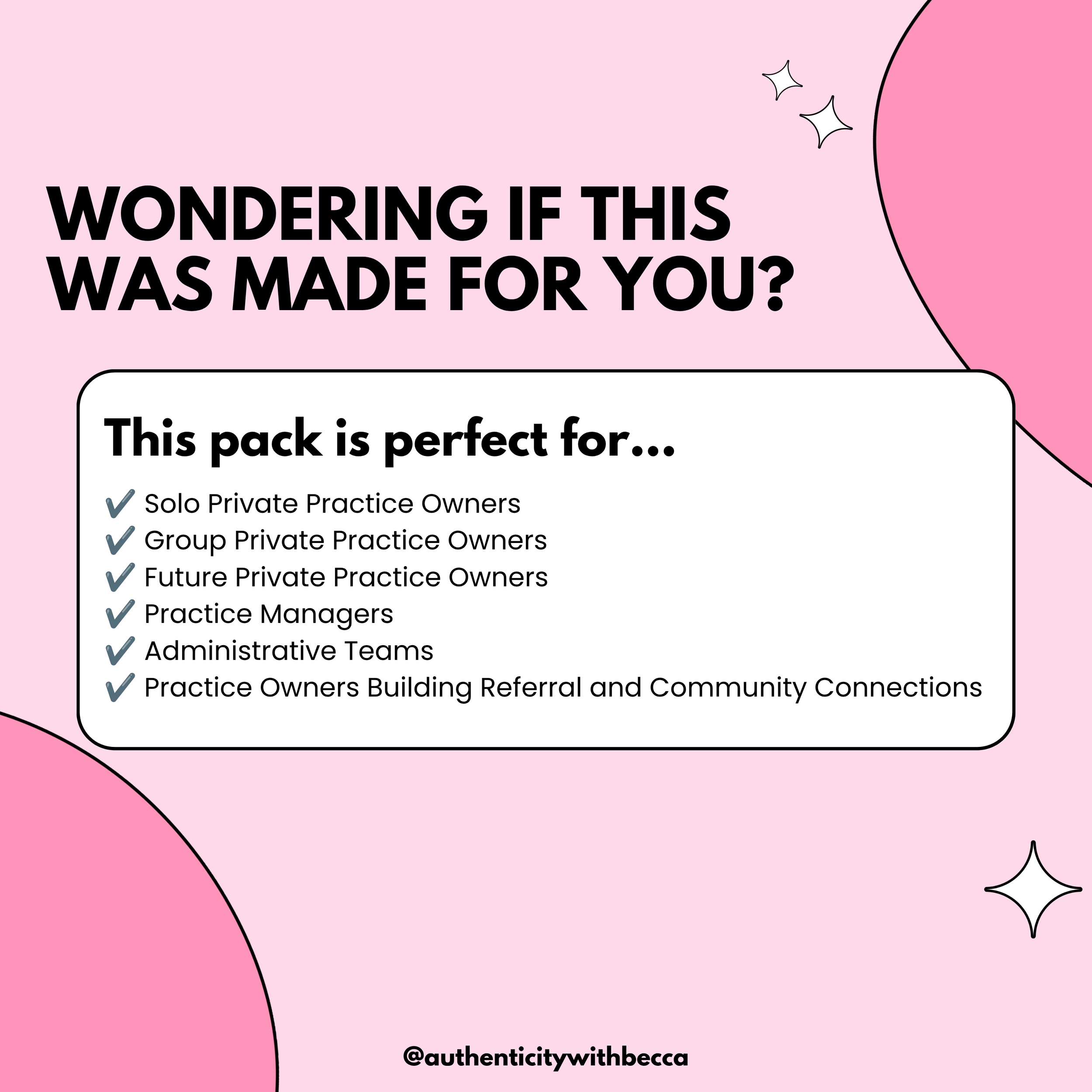
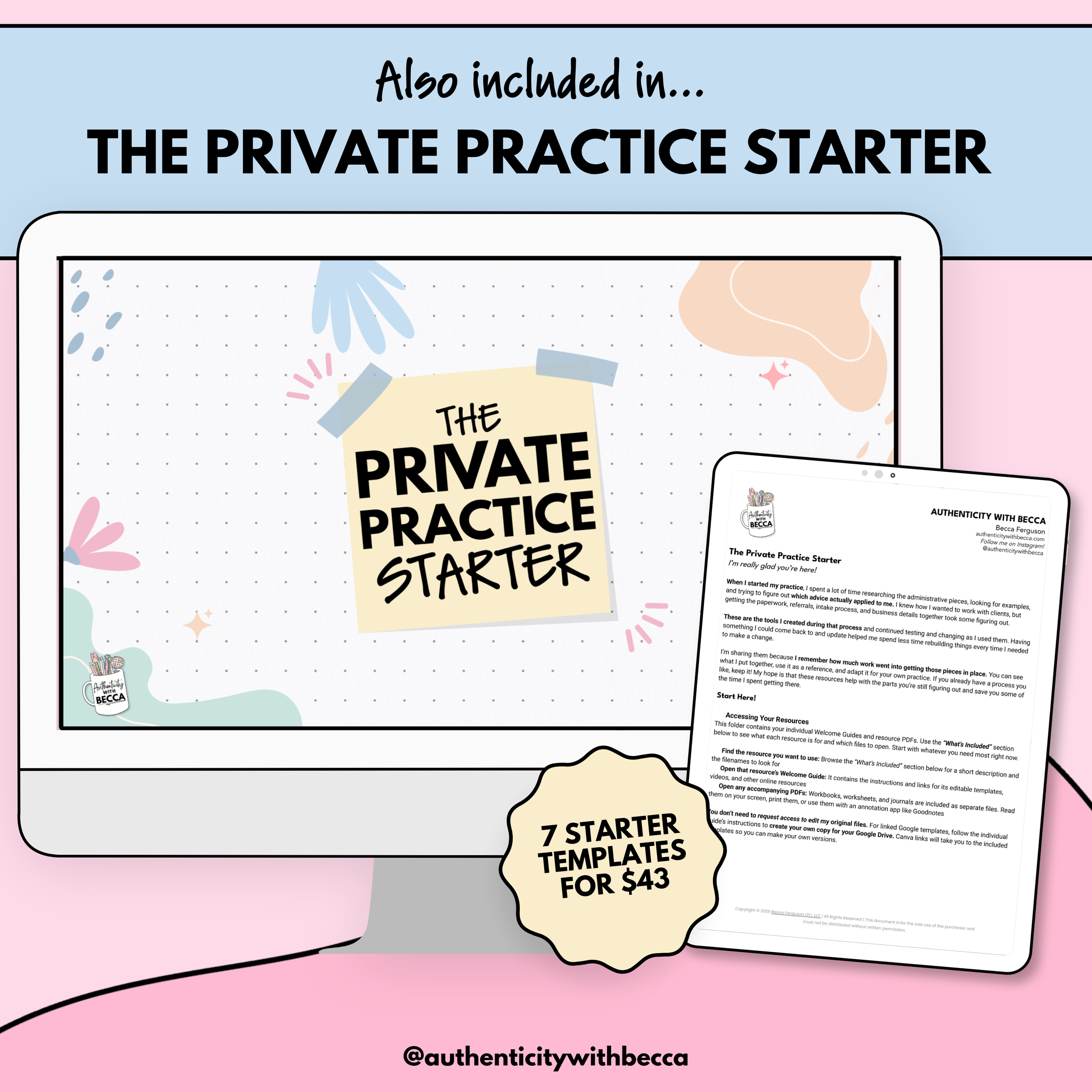
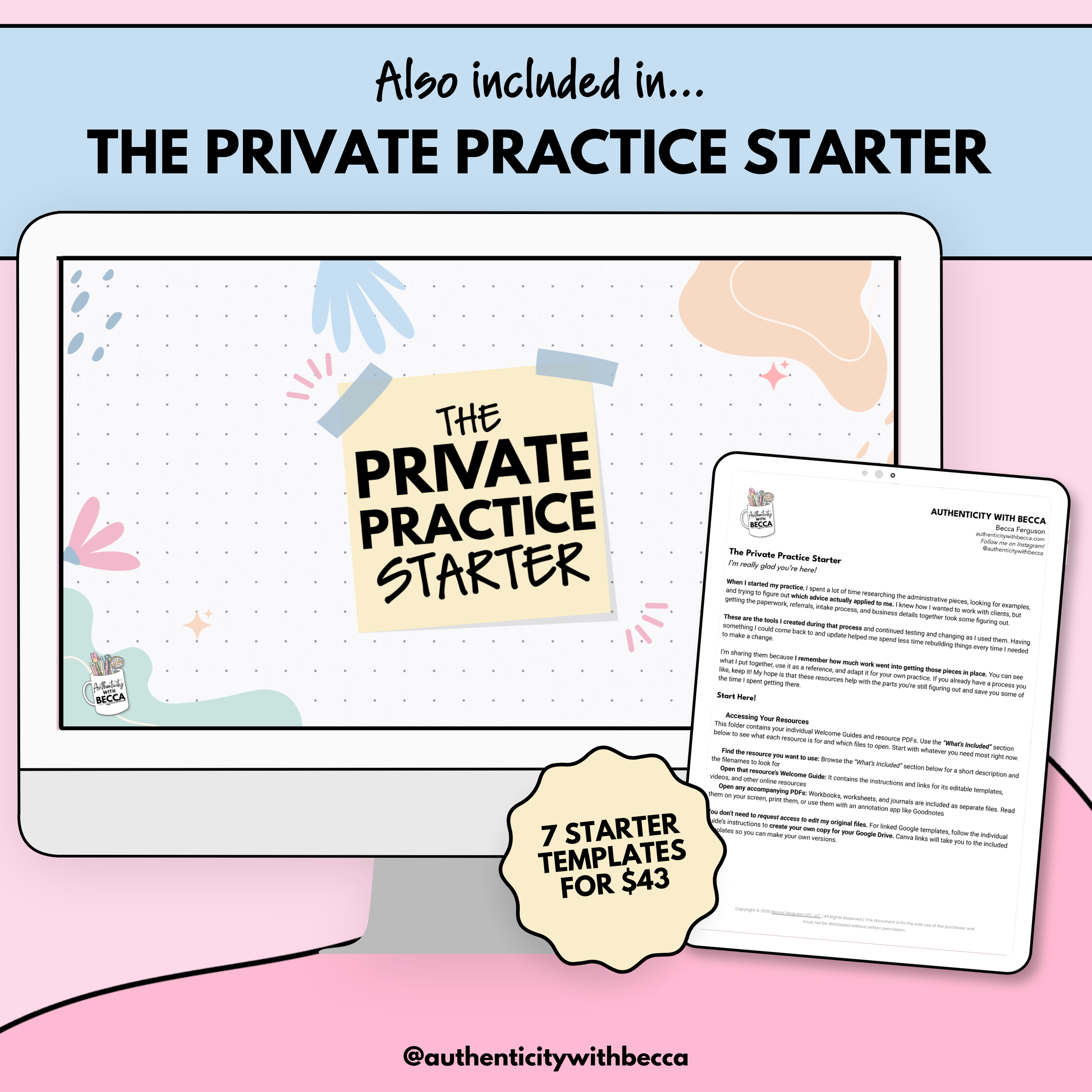
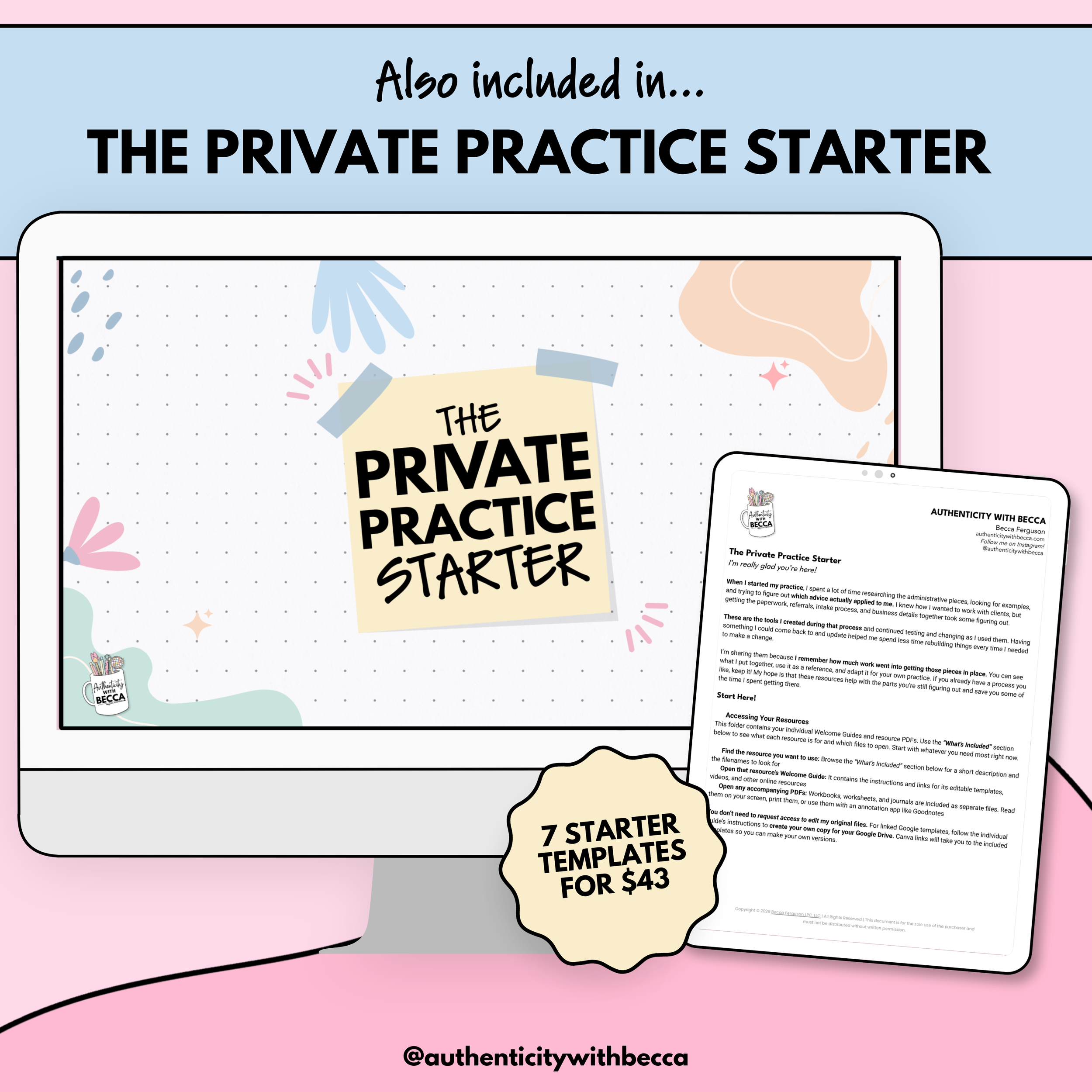
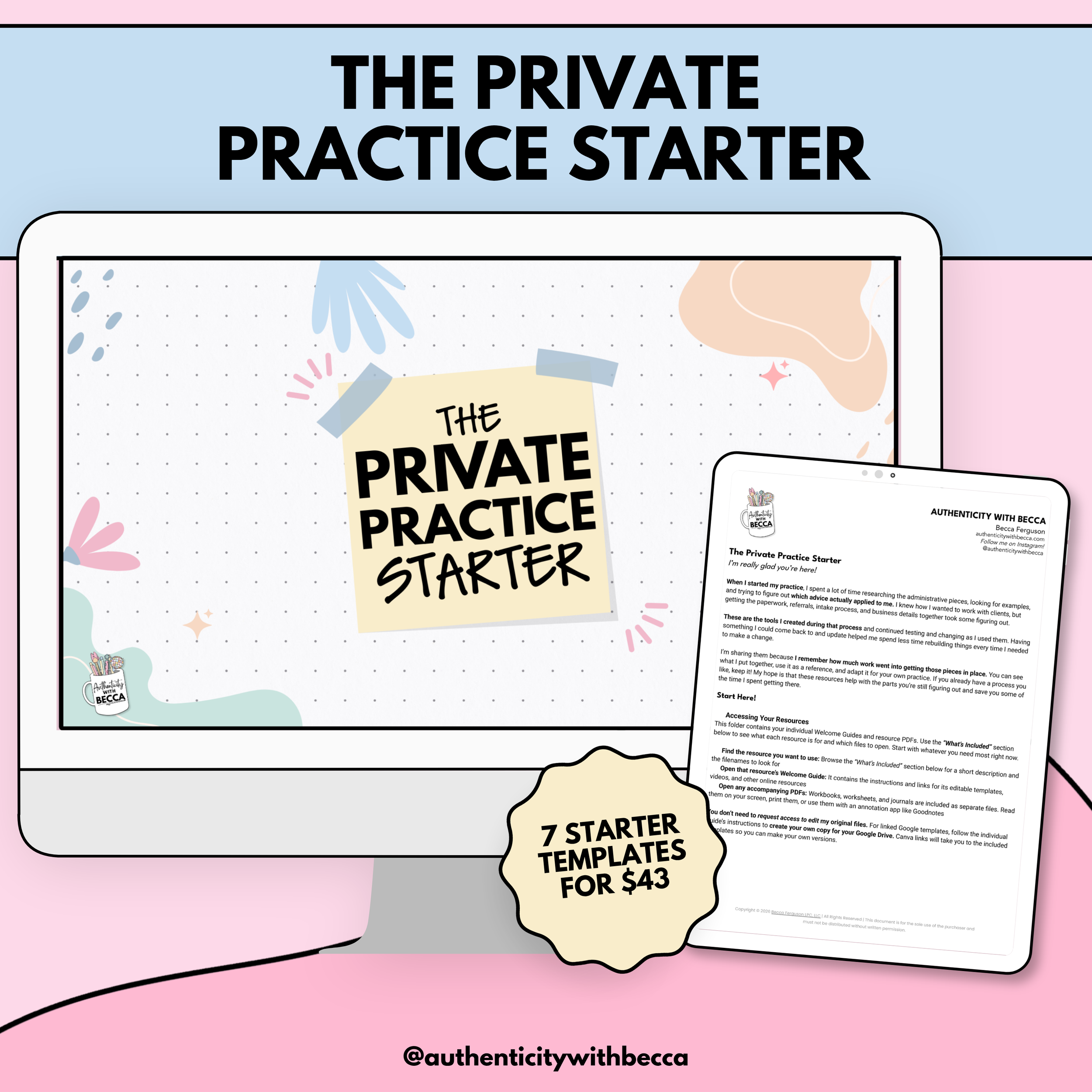
Grad school taught us to be therapists, not business owners. When you finally open your private practice, you’re building systems, figuring out all the behind-the-scenes stuff, wondering who to trust, and searching therapist Facebook groups for answers. The Private Practice Starter gives you practical systems for the paperwork, referrals, intake, community connections, and other things grad school “forgot” to mention.
If you’re looking for somewhere to start with the administrative pieces that keep a practice running, these tools are things that I created when I started my practice and tested over time. Use them to build what you need or update a process you already have. You don’t have to throw out everything that’s working to make one part easier.